

TL;DR: Best Email List Building Tools For Edupreneurs (2025)
Email list building tools help you turn visitors into subscribers by using popups, forms, landing pages, and interactive lead magnets like quizzes or calculators. They connect with your email platform to automate signups and deliver instant downloads or welcome emails — essential for any course creator, coach, or digital product seller.
Here are the top tools that cover every step of the process:
OptinMonster – Best overall email list building tool
Leadpages – Best for landing pages and lead magnets
Beacon – Best for creating downloadable lead magnets and content upgrades
Interact – Best for quizzes and gamified list building
Outgrow – Best for interactive lead magnets and calculators
Getsitecontrol – Best for popups and audience targeting
Sleeknote – Best for ecommerce and product-based funnels
Poptin – Best free popup builder for small websites
Tally – Most affordable form builder with generous free plan
Carrd – Best for one-page websites and quick funnels
Growform – Best for multi-step forms and lead qualification
💡 Bottom line: These tools cover all bases of email list growth from popups and landing pages to quizzes and lead magnets. Most offer free plans or trials, so you can test them before committing.
Ask any successful course creator, and they’ll tell you that email subscribers are their biggest business asset.
Why? Because an email list allows you to build trust with your audience, share your marketing message, and drive repeat sales.
This is why email marketing has an ROI of $36 for every dollar spent.
But you can’t build an email list without the right list-building tools. The best list-building tools offer creative ways to engage your website visitors and persuade them to sign-up for your email list.
In this article, we’ll share some of the best list-building tools to help you convert your site’s cold traffic into subscribers and leads.
Let’s get started.
Read: The best email marketing platforms for course creators
Use A Lead Magnet To Attract Email Subscribers
Before we dive into the best list-building tools, you need to understand that using these tools is only one part of the email list building equation.
Even the best tools won’t be able to attract many email subscribers and leads if you don’t offer visitors something valuable to sign up for.
This is where lead magnets come in.
A lead magnet is a free resource like an eBook, video training, free course, templates, checklists, a quiz, a game, or anything valuable that your visitors can access by giving you their email addresses.
Here’s an example of a lead magnet.

The best lead magnets offer immediate gratification and are valuable enough to attract your audience’s attention.
This is exactly why “Subscribe to our newsletter” is NOT an effective lead magnet.
So, if you want to get the maximum ROI from the tools we’re about to share in this article, make sure to use an attractive lead magnet on your site.
Read: Email marketing best practices to grow your list
The Best List Building Tools To Capture Email Addresses
Building an email list isn’t about slapping a form on your site and hoping people sign up.
It’s a process, a series of small but important steps that turn a casual visitor into an engaged subscriber.
The first step is to capture attention with something appealing — a landing page, a quiz, or a lead magnet.
Next, you need to collect their information through pop-ups, forms, or interactive experiences that feel natural, not pushy.
Finally, you should deliver value immediately, so people actually stay on your list and look forward to hearing from you again.
That’s why the tools I’ve listed below cover every part of this journey.
Some help you build beautiful landing pages. Others focus on pop-ups, quizzes, forms, or delivering gated resources.
But together, they give you everything you need to grow a loyal and profitable email list.
Let’s take a bird’s eye view of these email list building platforms first.
| Tool | Core Function | Starting Price |
|---|---|---|
| OptinMonster | Popups, floating bars, behavior-based targeting for lead capture | Starts at $16/month, no free plan (14-day money-back guarantee) |
| Leadpages | Landing pages, popups, and lead magnet delivery | Starts at $37/month, 14-day free trial |
| Beacon | Create lead magnets (ebooks, checklists, resource libraries) | Starts at $19/month, free plan available |
| Interact | Quiz and assessment builder for lead generation and segmentation | Starts at $27/month, 14-day free trial |
| Outgrow | Interactive calculators, polls, and quizzes | Starts at $14/month, 7-day free trial |
| Getsitecontrol | Popups, slide-ins, and engagement widgets | Starts at $9/month, 7-day free trial |
| Sleeknote | Non-intrusive popups for ecommerce and content offers | Starts at $62/month, 7-day free trial |
| Poptin | Popups and forms with A/B testing | Free plan available, paid plans start at $25/month |
| Tally | Simple, modern form builder with unlimited responses | Free plan available, Pro plan $29/month |
| Carrd | One-page websites and opt-in landing pages | Free plan available, Pro plan $9/year |
| Growform | Multi-step forms for advanced lead capture and segmentation | Starts at $35/month, 7-day free trial |
Now let’s dive deeper.
1. Leadpages

Platform Type: AI-powered landing page, lead generation, and email list-building tool
Starting Price: $37/month (14-day free trial)
Best Features:
- AI-assisted copy and image generation
- 250+ conversion-tested templates
- Drag-and-drop builder with built-in pop-ups and alert bars
- A/B testing, analytics, and lead enrichment tools
- Seamless integrations with ConvertKit, Thinkific, Kajabi, and more
I’ve been using Leadpages for years, and it continues to evolve with time. What started as a simple landing page builder is now a fully AI-powered lead generation and list-building platform that helps creators, coaches, and entrepreneurs grow their audience without tech headaches.
You can build landing pages, lead magnet pages, or full mini-funnels in minutes using templates that are already proven to convert. Its new AI engine now writes your page copy, generates visuals, and recommends layout improvements based on real conversion data.
I also love how seamlessly it fits into an existing creator stack. You can connect it to ConvertKit for automation, Thinkific or Kajabi for course delivery, and even accept payments right on your landing pages.
And unlike most site builders, Leadpages feels focused because every feature is about one thing: turning visitors into leads.
Read: The best landing page software for edupreneurs
2. Carrd

Platform Type: Simple one-page website and opt-in page builder
Starting Price: Free (Pro plans start at $19/year)
Best Features:
- Build responsive single-page sites with drag-and-drop ease
- Built-in form support for collecting leads or payments
- Integrations with Kit, MailerLite, SendFox, and other ESPs
- Add custom code, widgets, or payment embeds via Stripe, PayPal, and Gumroad
- Custom domains with SSL and no Carrd branding on Pro plans
- Dozens of clean, mobile-friendly templates that load fast
Carrd is the simplest way to launch a clean, fast one-page website. It is ideal for creators who want a lead magnet landing page, link-in-bio page, or quick pre-launch funnel without hiring a developer.
I’ve used Carrd to test new course ideas before committing to a full website. Within minutes, you can drop in your copy, embed an email form, or even accept payments. It’s perfect when you just want to see if an idea gets traction.
Despite its simplicity, it’s not barebones. You can embed videos, add countdown timers, or connect your forms directly to your email marketing platform. The Pro plan unlocks custom domains and advanced forms at a fraction of the cost of typical funnel builders.
Of course, Carrd isn’t meant for full websites or complex funnels. There’s no built-in analytics, no multi-step forms, and no advanced conversion tracking. But for quick validation, email capture, or testing offers, it’s one of the most practical tools you can use.
It fits perfectly for edupreneurs who want to collect signups for a new course, waitlist, or downloadable resource without setting up a full LMS or marketing stack.
3. OptinMonster

Platform Type: Conversion optimization and popup toolkit
Starting Price: $7/month (Basic), $19/month (Plus), $29/month (Pro), $49/month (Growth)
Best Features:
- 700+ professionally designed templates for every campaign type
- Exit-Intent® popups, floating bars, full-screen mats, slide-ins, coupon wheels, and content lockers
- Behavior automation with OnSite Retargeting®, Smart Tags™, and AI popups
- A/B testing and revenue attribution built right in
- Works on any website (WordPress, Shopify, Kajabi, Thinkific, and more)
- Integrates with all major email and CRM tools via native apps, Zapier, and webhooks
- OptinMonster University (training library) and done-for-you campaign setup included
OptinMonster is like the Swiss army knife of list building. You can use it to turn any page on your site into a lead-generation machine, whether you’re capturing subscribers, promoting offers, or recovering cart abandoners.
It’s also one of the most battle-tested tools out there.
Marketers like Neil Patel, Michael Hyatt, and Adam Enfroy all credit it with doubling or tripling their opt-in rates using Exit-Intent popups.
What sets it apart is how deeply you can personalize campaigns: you can trigger popups based on location, referral source, scroll behavior, inactivity, or even whether a user is new or returning.
For creators and edupreneurs, OptinMonster fits beautifully into the course and digital product funnel. You can:
- Lock part of a blog post to collect emails before readers access the full content.
- Use countdown timers to promote limited-time course discounts.
- Show special “returning visitor” messages to students who didn’t finish checkout.
- Build quiz or coupon wheel campaigns to capture and segment leads.
The platform might feel overpowered for beginners, but its templates and “playbooks” make setup quick. If your goal is to grow your email list and drive more course sales from the same traffic, few tools come close.
4. Interact

Platform Type: Quiz and interactive lead generation tool
Starting Price: $27/month (14-day free trial available)
Best Features:
- AI quiz builder that creates quizzes in minutes
- Dozens of templates designed for lead generation and audience segmentation
- Conditional logic and branching for personalized experiences
- Built-in opt-in forms and detailed analytics
- Integrations with Thinkific, ConvertKit, Mailchimp, HubSpot, and more
- White-label branding on Growth and Pro plans.
Interact helps you turn your audience’s curiosity into data-rich leads. It’s built specifically for quiz-based lead generation, which is one of the highest-converting list-building strategies out there. You can make personality, scoring, or multiple-choice quizzes and automatically tag people based on their answers.
We’ve used Interact ourselves on Learning Revolution for lead generation campaigns and content segmentation. It’s excellent for helping visitors self-identify what they need — for example, finding out whether they’re course creators, consultants, or membership owners — and then guiding them to tailored resources or offers.
The AI quiz builder is surprisingly good. It can create a complete draft quiz in under a minute from a blog post or piece of content, which you can then customize to match your tone and brand. Once published, Interact tracks responses, completion rates, and drop-offs, helping you see where people lose interest and where they convert best.
For edupreneurs, Interact fits right between content marketing and email list growth. It turns casual readers into segmented subscribers and gives you insight into what topics or courses interest them most. It’s not a landing-page or popup builder — it’s a specialized engagement tool — but if you’re serious about generating qualified leads, quizzes like these outperform typical PDFs or eBooks by a wide margin.
Read: How to create engaging quizzes for your online course
5. Getsitecontrol
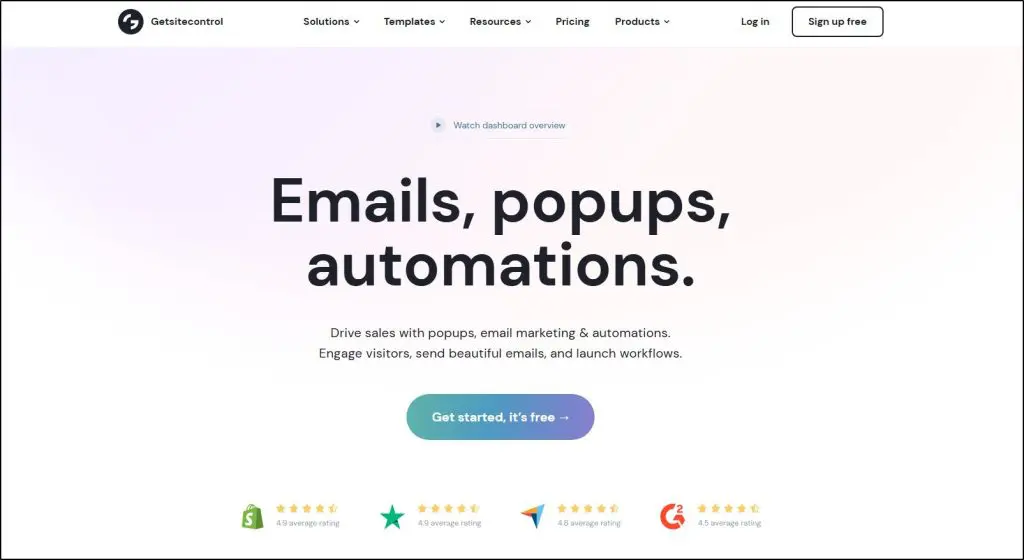
Platform Type: On-site popup, form, and email marketing automation suite
Starting Price: Free plan available; paid plans start at $19/month
Best Features:
- Drag-and-drop popup and inline form builder
- Integrated email broadcasts and automation workflows
- Advanced targeting (page, behavior, cart, audience, and schedule)
- Built-in AI writing assistant for copy and email text
- Dynamic text replacement and personalization
- Native integrations with ConvertKit, HubSpot, Mailchimp, and Shopify
- Real-time analytics, A/B testing, and skip-logic forms
Getsitecontrol has grown into much more than a popup tool. It’s now an email capture, engagement, and automation platform designed to help small businesses and solo creators handle everything from signup forms to post-opt-in sequences in one place.
For edupreneurs, it plays a key role in turning website visitors into subscribers and students. You can display a quiz opt-in or a “free mini-course” popup on your blog, send a follow-up email automatically, and segment those contacts for your next course launch — all inside Getsitecontrol. It’s especially practical if you don’t want to juggle multiple plugins or pay for a separate email tool in the early stages of your business.
That said, Getsitecontrol’s automation depth is limited compared to dedicated email platforms. You won’t get complex conditional workflows or deep CRM capabilities, but for most course creators and digital sellers, it covers the essentials: capture, nurture, and convert.
If you’re looking for a single, affordable tool that lets you build popups, grow your list, and send automated emails without technical setup, Getsitecontrol is one of the most complete solutions in its class.
6. Poptin
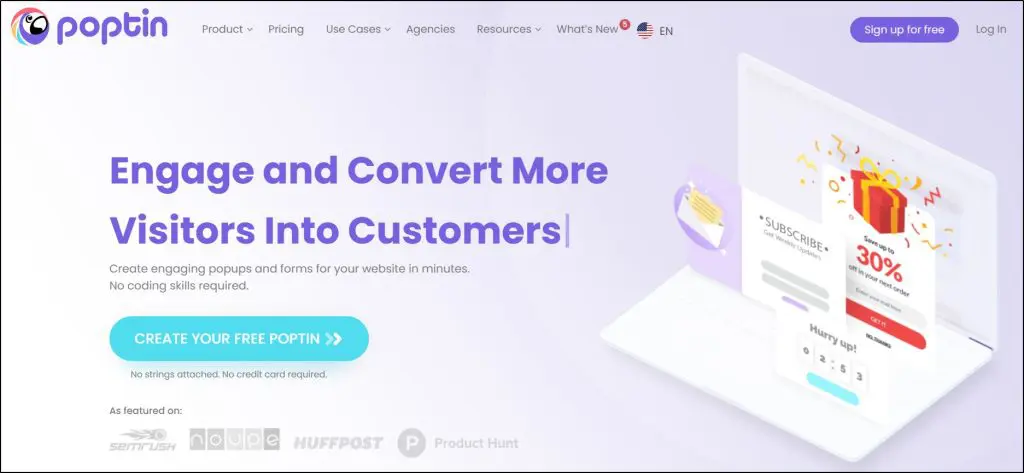
Platform Type: Popup and lead capture form builder
Starting Price: Free plan available; paid plans start at $20/month
Best Features:
- Drag-and-drop editor for popups and forms
- Smart triggers: exit intent, scroll, inactivity, and time-delay
- Built-in autoresponder for instant welcome or coupon emails
- Over 70 native integrations (plus 1,500+ via Zapier and Make)
- Supports gamified popups, A/B testing, and advanced targeting rules
- Works across all major platforms including Shopify, WordPress, and Wix
Poptin is one of those tools that just gets the job done. It’s made for creators and small businesses that want to turn visitors into subscribers or customers without hiring a developer. You can set up a lightbox popup, a slide-in offer, or a full-screen opt-in within minutes, and control exactly when it appears.
What makes it useful for edupreneurs is its precision targeting and automation.
Let’s say you’re selling an online course, you can show a popup with a free lesson preview when a visitor scrolls halfway down your course sales page, or send them a welcome email with a discount using the built-in autoresponder.
It also supports behavioral targeting, so you can segment popups based on user actions, such as time on page, number of visits, or cart abandonment (if you sell courses or products directly).
The main limitation is that while Poptin does include basic automation and email delivery, it isn’t a full marketing suite like Getsitecontrol.
You’ll still need an external tool like ConvertKit or ActiveCampaign to manage ongoing email sequences. But for pure conversion-focused lead capture, Poptin delivers more than most tools in its range.
If your goal is to maximize sign-ups and reduce drop-offs across your site, especially on course or webinar pages, Poptin is one of the most reliable and affordable options to start with.
7. Sleeknote

Platform Type: Premium popup, on-site personalization, and engagement tool
Starting Price: €49/month (billed annually, includes all features)
Best Features:
- Advanced targeting engine (triggers, page-level, geo, referrer, and on-site behavior)
- Gamification campaigns: spin-to-win, scratch-to-win, daily offers, and quizzes
- Mobile-optimized popups, teasers, and multistep forms
- A/B testing, analytics, and goal tracking
- 1,200+ integrations with ESPs, CRMs, and eCommerce platforms
- Real-time personalization and on-site retargeting
Sleeknote is in a different league from most popup builders. It’s designed not just to collect emails but to create a personalized experience for every visitor — the kind of experience that helps you convert without interrupting.
For edupreneurs and digital course sellers, this means you can segment your audience by behavior and interest, not just by page visit. For example, you can show a “Free Lesson Preview” popup to first-time visitors, a “Course Bundle Discount” to existing subscribers, and a “Coaching Call Invitation” to repeat users who’ve already purchased a course.
It also includes gamified campaigns like “Spin to Win” or “Quiz Popups,” which are great for increasing opt-in rates. While these features are often used by eCommerce brands, they can be just as effective for lead magnets in the education space — like unlocking a course bonus or guide after spinning the wheel.
Sleeknote’s main limitation is its price. It’s clearly built for serious marketers or businesses that are already driving steady traffic. But if you’re looking for fine-grained control, detailed analytics, and advanced personalization, it’s one of the most capable tools out there.
If you’re running an education or coaching site that already gets consistent visitors, Sleeknote can help you convert those visitors into segmented leads and students — with a level of control you won’t get from most other popup tools.
Read: 17+ essential email sequences for online courses
8. Outgrow
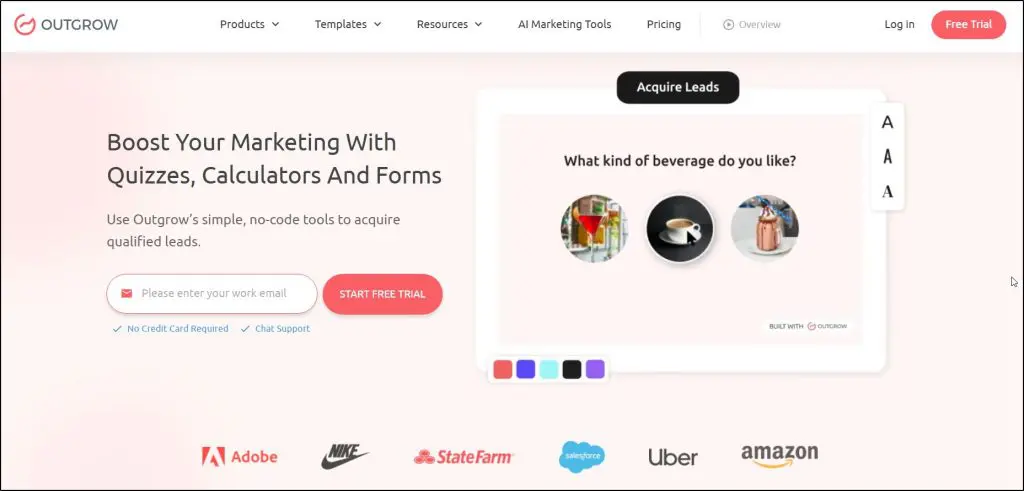
Platform Type: Interactive quiz, calculator, and chatbot builder
Starting Price: $22/month (billed annually)
Best Features:
- Create quizzes, calculators, surveys, assessments, polls, and chatbots
- 1,000+ pre-built templates optimized for conversion
- Drag-and-drop builder with branching logic and advanced formulas
- Real-time analytics and funnel tracking
- Embed anywhere: full page, popup, or chatbot style
- Integrates with 1,000+ tools including HubSpot, Mailchimp, ActiveCampaign, and Salesforce
Outgrow lets you create ROI calculators, personality quizzes, and cost estimators (experiences that go beyond static forms). These tools drive engagement, get shared, save time, and convert better than eBooks or PDFs.
For creators and edupreneurs, this can be a game changer.
Instead of a generic “Join my list” offer, you can build a “What Type of Learner Are You?” quiz, a “Course ROI Calculator,” or a “How Ready Are You to Launch Your Course?” assessment.
Each response segment gives you powerful insights into what your audience wants. And the data automatically syncs with your email platform or CRM.
Outgrow’s builder is intuitive, but also incredibly powerful under the hood. You can design complex logic paths, conditional messages, and even multi-result outcomes like showing different course recommendations based on quiz results.
The main tradeoff is that Outgrow is more advanced than it looks.
It can take some initial setup time to create custom calculators or logic-based quizzes, especially if you’re designing from scratch. But once you’ve built one, it keeps generating segmented leads automatically.
For edupreneurs who want to attract leads through personalized, value-driven tools, Outgrow is easily one of the most effective ways to do it. It helps you build interactive content that feels like a service — not an ad.
9. Growform
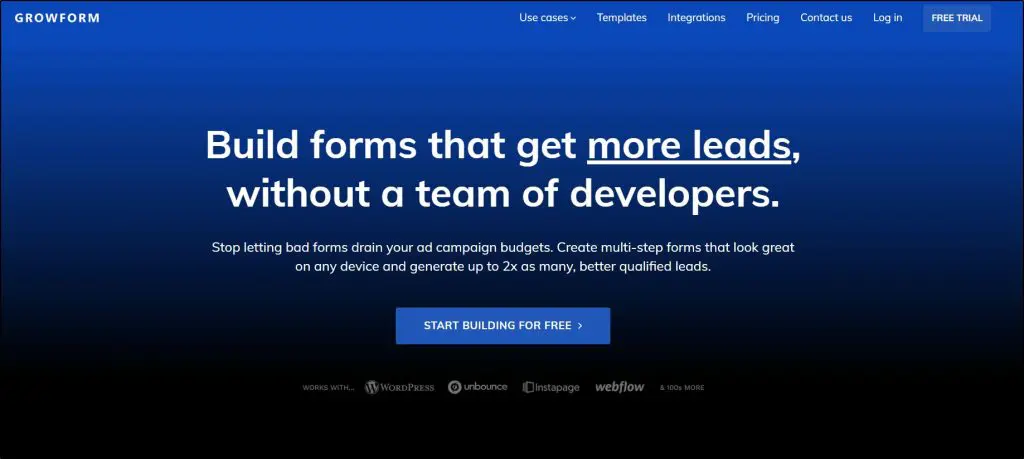
Platform Type: Multi-step form builder for high-converting lead generation
Starting Price: $47/month (billed annually, 14-day free trial)
Best Features:
- Multi-step and conversational forms that convert up to 2x better
- Conditional logic to tailor questions and qualify leads
- 100+ psychology-backed templates built on proven UX principles
- Real-time lead validation via Twilio (phone) and ZeroBounce (email)
- Integrates with 300+ tools via Zapier and webhooks
- Google Tag Manager, hidden field tracking, and custom CSS styling
Most form builders feel like a tech chore. But Growform feels like a marketing tool built for one job: helping you get more leads from the same traffic.
Its biggest strength is the way it handles conditional logic and multi-step forms. Instead of a long, boring form that scares visitors away, Growform lets you turn your form into a short guided conversation. This not only boosts completion rates but also improves lead quality since each question feels relevant and personalized.
For example, I once helped a course creator replace a standard “Enroll Now” form with a 3-step Growform asking about the learner’s goals, preferred schedule, and course interest. The result? A 45% jump in signups with better-qualified leads.
Growform also takes compliance seriously offering integrations with TrustedForm and Jornaya for consent tracking, which is rare among form tools. That’s a big plus for agencies running paid campaigns.
If you’re tired of low-converting forms that don’t reflect your brand, Growform gives you a polished, responsive, and logic-driven alternative that’s built for serious lead generation.
10. Tally.so
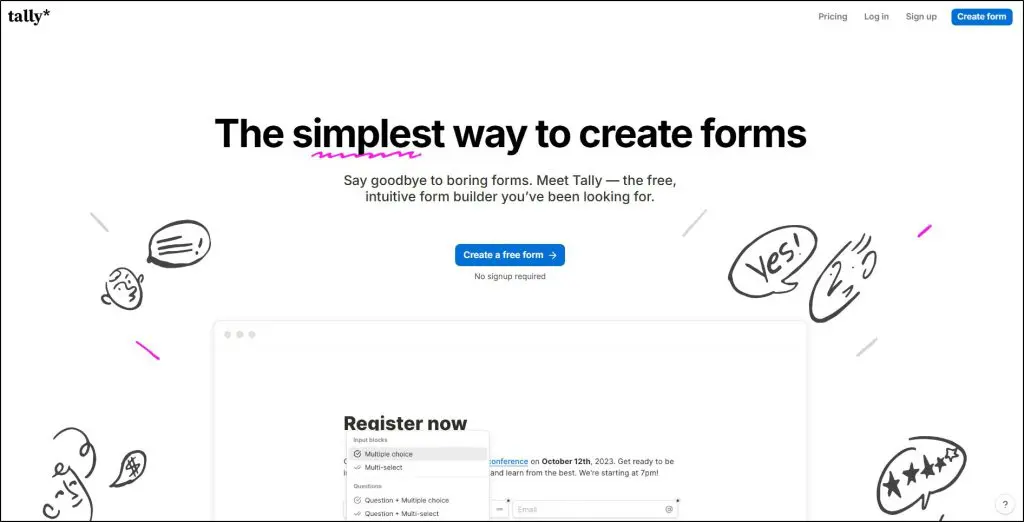
Platform Type: Free online form builder for creators and teams
Starting Price: Free forever (Pro plan from $24/month)
Best Features:
- Unlimited forms, submissions, and logic — even on the free plan
- Build forms just by typing, like writing in Notion
- Collect payments, e-signatures, and file uploads
- Conditional logic, answer piping, and hidden fields
- 40+ languages and GDPR-compliant data storage in the EU
- 1,000+ integrations via Zapier, Make, and native apps (Notion, Airtable, Google Sheets)
- Custom domains, partial submissions, and drop-off analytics on Pro
Tally is among the easiest form builders I’ve ever used, especially for creators and solo businesses that don’t want limits or learning curves. It feels like writing in Notion: you just start typing questions, add blocks, and publish.
The free plan is ridiculously generous. You can create unlimited forms and collect unlimited responses with logic, calculations, payments, and even file uploads — all without paying a cent. For most creators running newsletters, online courses, or coaching businesses, that’s more than enough to get started.
What makes Tally shine for lead generation is its flexibility. You can embed it anywhere — inside your website, a Notion page, or even as a popup. And if you sell digital downloads or courses, you can accept Stripe payments or e-signatures directly in the form.
I’ve recommended Tally to many course creators who needed a simple lead capture or student intake form. They were able to build it in minutes without touching a line of code.
The only limitation? Branding and advanced analytics are locked behind the Pro plan — but at $24/month, it’s still cheaper than most competitors.
If you’re looking for a lightweight, zero-hassle, modern form builder that feels built for creators, Tally is an absolute gem.
11. Beacon.by

Platform Type: Lead magnet and gated content creator
Starting Price: Free (Lite plan $19/month, Professional $49/month)
Best Features:
- Drag-and-drop Lead Magnet Creator with pre-built templates (ebooks, checklists, guides)
- Built-in Lead Capture forms and embeddable opt-ins
- Resource Library feature to organize all your lead magnets in one place
- Smart PDFs, password protection, and brand customization
- WordPress integration and custom domains on paid plans
- Track leads, downloads, and conversions directly in your dashboard
Beacon turns your content into a lead-generating asset. You can design ebooks, checklists, or reports right inside the platform, brand them, and connect them to lead capture forms.
If you teach, coach, or sell courses, this is incredibly useful. You can package your blog post into a PDF workbook, create a “free guide” opt-in for your course funnel, or build a mini content library where subscribers can access exclusive resources. It’s a complete system for capturing, delivering, and managing lead magnets — all in one place.
The drag-and-drop editor makes design effortless. You can start from templates, add your own visuals, and export in Smart PDF or web format. I’ve seen creators double their opt-in rates simply by replacing plain “Subscribe” forms with a downloadable checklist made in Beacon.
The free plan is good enough to experiment with, but serious users will likely move to the Lite or Professional plan for branding control, more leads, and multiple magnet slots.
For edupreneurs and digital creators, Beacon fits perfectly at the top of your funnel, helping you give away high-value resources that build trust and grow your list faster.
What Email List Building Tools Are You Using?
The tools I’ve shared in this article cover all bases for building and growing an engaged email list for your online learning business.
From creating lead magnets and landing pages to adding smart popups, quizzes, and forms, everything you need is here.
Most of them offer free plans or trials, so feel free to test a few before making a purchase. Start with one or two tools that align with your stage, focus on delivering real value, and stay consistent.
When your subscribers see helpful, authentic communication, your list becomes more than numbers, it becomes a loyal community that grows with you.
Let me know if you have any questions.
Frequently Asked Questions
1. What are the best email list building tools for beginners?
If you’re just getting started, go for beginner-friendly tools like Carrd, Poptin, or Tally. They’re drag-and-drop, simple to use, and perfect for learning how list building works. These tools help you create popups, forms, or landing pages without code — ideal for small creators or course sellers who want to start building an audience fast.
2. What’s the difference between an email list builder and list building software?
They’re basically the same thing. “Email list builder” usually refers to an easy tool that helps you collect subscribers through forms or popups, while “list building software” often includes advanced features like segmentation, automation, and analytics. Tools like OptinMonster and Getsitecontrol fall into that second category.
3. Are there any free email list builder tools I can use?
Yes! Most tools in this list offer free plans or free trials, including Getsitecontrol, Poptin, and Carrd. They let you start collecting emails without paying upfront — perfect if you’re testing ideas or building your first subscriber list.
4. How do automated email list building tools work?
Automated list building tools like OptinMonster and Getsitecontrol capture leads even when you’re offline. They track visitor behavior, trigger popups at the right time, and automatically segment your subscribers. You can then connect them to your email platform (like Kit or ConvertKit) for follow-ups and onboarding sequences.
5. What are gamified forms, and do they really grow your email list faster?
Yes — they do! Tools like Interact and Outgrow turn boring forms into gamified quizzes and surveys, which can boost conversions by 30–50%. Instead of just asking for an email, these tools engage visitors with questions, results, and personalized outcomes — making people want to join your list.
6. Can I build an email list without using popups or forms?
Absolutely. While popups and forms are effective, you can also use quizzes, calculators, and lead magnets to grow your list. For example, a quiz made in Interact or Outgrow lets users get a personalized result in exchange for their email — no traditional popup needed.
7. Which email list building software works best for ecommerce or digital products?
If you sell products, Sleeknote and OptinMonster are great. They’re designed for lead generation and email list growth on product pages, using exit-intent popups and targeted offers. For digital creators or course sellers, Getsitecontrol or Leadpages might fit better since they’re optimized for content-based funnels.
8. What’s the best way to segment an email list using these tools?
Most tools now offer list segmentation features. For instance, Interact can tag subscribers based on quiz results, while Getsitecontrol segments based on user behavior and location. The goal is to send the right message to the right person — not just build a big list.
9. How do I set up my first email subscriber list?
Pick one email list builder tool, create a signup form or landing page, and connect it to your email marketing platform (like Kit, ConvertKit, or MailerLite). Then, add a welcome sequence so new subscribers instantly get value. Most modern list building software guides you through setup step by step.
10. Which email list builders offer the best automation and analytics?
OptinMonster, Getsitecontrol, and Outgrow are your best bets. They offer automated list building features with behavior triggers, performance dashboards, and integrations with major email tools. This helps you see exactly which forms, quizzes, or campaigns bring in the most subscribers.
See also:
- 15+ Essential Email Sequences For Online Course Creators
- 8 Best Email Marketing Platforms for Course Creators
- How to Build an Email List for Marketing Your Courses

Jeff Cobb, Founder of Learning Revolution
Jeff Cobb is an expert in online education and the business of adult lifelong learning. Over the past 20+ years he has built a thriving career based on that expertise – as an entrepreneur, a consultant, an author, and a speaker. Learning Revolution is a place where Jeff curates tips, insights, and resources to help you build a thriving expertise-based business. Learn more about Jeff Cobb here.
Table of Contents
Related Posts
21+ Email Marketing Best Practices For Online Course Creators (2025)
17+ Essential Email Sequences For Online Course Creators [With Templates & Examples]
The Complete Guide To Pricing A Masterclass (2025) | Free Pricing Calculator