TL;DR: The Best AI Tools for Content Creators (2026) Generative AI now covers every stage of content creation, from research and writing to video, images, audio, courses, and websites. This guide covers tools that still earn their place in 2026.
Here are my top picks by category.
Content writingClaude is my pick for long-form writing and course material. Free plan, paid from $17/mo on annual billing. ChatGPT, Gemini, Frase, Koala, Grammarly, and Jasper also make the list. VideoPictory turns scripts and blog posts into videos. From $25/mo on annual billing. HeyGen, Descript, Fliki, and Synthesia cover avatars, editing, and training video. ImagesMidjourney still sets the standard for image quality. From $8/mo on annual billing. ChatGPT, Adobe Firefly, and Canva are easier for everyday graphics. Voice and podcastsElevenLabs leads on voice quality and price. Free plan, paid from $6/mo. Wondercraft and Async (formerly Podcastle) add podcast and video production. Courses and communitiesLearnWorlds has the widest set of course-building AI tools. From $24/mo on annual billing. Kajabi, Teachable, Thinkific, and Circle all include AI features. Websites10Web builds a WordPress site from a prompt. From $10/mo on annual billing. Durable and Framer are strong alternatives.
Start with one general assistant and one tool that matches your main content format. Add more only when a clear bottleneck shows up.
How We Evaluate and Test Tools & Platforms
Reviews of tools and platforms on the Learning Revolution site are overseen by the site’s founder, Jeff Cobb, an e-learning industry expert with more than 20 years of experience working with online course platforms. All evaluations are conducted by a team of analysts who have extensive experience using, testing, and writing about these types of platforms. We dedicate numerous hours to researching each platform, ensuring each aligns with the needs of online course sellers, and vetting specific areas like core features, usability, pricing, and customer satisfaction. Our reviews are unbiased, and while we will participate in affiliate programs, if available, we do not accept payment for placement in our articles or links to external websites.
New AI tools launch almost every week. With so many options, it’s hard to tell which ones are worth your time and money as a creator.
This list changes a lot from year to year. Since I last updated it, some tools I recommended have been renamed, some have been sold, and some have moved upmarket to serve large marketing teams. A few newer tools have earned a place.
For this update, I checked every tool against its live pricing and feature pages. I removed the ones that no longer suit solo creators and course sellers, and I added better replacements where they exist.
Most of the tools below offer a free plan or a free trial. Try their features before you pay, and see which ones fit your online business.
Best AI Tools For Creators | Our Top Picks For 2026
Every tool in this article has earned its place. The table below compares all of them, so you can jump to the ones that suit content creators, online course builders, and digital product sellers like you.
Generative AI is software that creates new content from your instructions. You describe what you want in plain language, and the tool produces text, images, video, audio, or code.
ChatGPT brought this technology to the public in late 2022. Since then, hundreds of generative AI tools have launched worldwide. They let you write articles, create images, edit photos, generate videos, and produce human-like audio.
For content creators, AI tools have simplified the most tedious and time-consuming parts of the work. You can use them to speed up your research, generate images, and plan your content much faster, which leaves more time for the creative side. They now sit alongside the other skills every content creator needs.
These tools have a downside too.
Anyone can now publish articles, designs, and videos without real-world expertise. So it’s harder than ever for professionals with years of hands-on experience to stand out and command authority in their niches.
The best results come when you combine real-world expertise with AI.
As an expert, make generative AI a core part of your content creation process and use it to raise both your output and your quality. The AI tools I share in this article will help you do that.
How To Use Any Generative AI Tool Effectively (Hint: Prompts)
Before you get to the list, you need to understand how these products work.
The results of any generative AI tool depend on your instructions, called prompts. A prompt describes what you want the tool to do for you.
You can use ChatGPT prompts for many course creation tasks. These prompts are flexible, so you can change them to fit your niche, target audience, and course topic.
For example, if you want to write an article about keyword research, an AI tool won’t produce quality results unless you tell it exactly how to do it.
Describe your target audience, the tone of your content, the depth of research you want, and the level of detail you expect.
In this case, your prompt could look like this.
“I want you to act as a keyword research expert who’s also great at writing. Write an article describing the step-by-step keyword research process.
My target reader already knows keyword research and has used Ahrefs and Semrush. Their biggest struggle is finding low-competition, high-traffic keywords for their website.
Follow the outline I’ve pasted below. Use at least one example under each subheading. Use relevant stats and cite research studies wherever it makes sense.
Keep the tone conversational and friendly but not too informal. Most importantly, make the content actionable.”
That’s a small example of a prompt for ChatGPT, Claude, or Gemini.
One prompt rarely gets you there. It usually takes four or five rounds of feedback to reach the quality you want. Image generators and video tools work the same way.
Two newer habits make a big difference. First, give the tool context. Upload your notes, transcripts, and past articles, or save them in a project, so the tool writes from your material. Second, connect the tool to your other apps. Many tools on this list now support connectors or the Model Context Protocol (MCP), which lets an AI assistant work directly inside your email, video, or SEO software.
Before you use AI content, put it through a human check to catch and correct any inaccuracies.
You can also humanize AI content, which means adding your own personality, examples, and experience to AI-generated text.
AI writing tools generate blog posts, press releases, online course outlines, landing page copy, emails, and social media posts.
This category has changed more than any other. General assistants such as Claude, ChatGPT, and Gemini now write better than most dedicated AI writers did two years ago. Several of those dedicated tools have responded by moving into SEO, AI search visibility, or enterprise marketing.
AI content isn’t always unique or accurate, and its quality depends on your prompts. Check AI-generated content yourself and improve it before you publish.
Core functions: AI assistant for long-form writing, research, and brainstorming
Starting price: $17/month on annual billing ($20 monthly) for the Pro plan
Free plan or trial: Free plan
Claude, developed by Anthropic, is one of the most capable AI writing assistants available today.
Claude stands out for its ability to process long prompts and documents, keep context across extended conversations, and produce natural writing.
This makes it especially useful for content creators who need in-depth blog posts, detailed course materials, and refined marketing copy without spending hours editing.
One of Claude’s biggest strengths is the structure of its writing. Many AI tools produce text that feels generic. Claude’s drafts are organized, nuanced, and closer to how a person writes.
It also works well for brainstorming. It helps you refine ideas, structure outlines, and shape a blog post or course script with better coherence and depth.
Claude has grown well beyond a chat window. Paid plans add a Research mode for deeper, cited answers, Projects that store your reference material, and Skills that teach Claude your own process. Connectors link Claude to tools such as your email, calendar, and documents, and they’re available on the free plan too.
Like every AI tool, Claude can make mistakes, so fact-check anything you plan to publish.
The free plan lets you test its capabilities before you commit to Pro.
Claude Pricing Plans
Free: $0. Baseline usage
Pro: $17/month on annual billing or $20/month paid monthly. More usage than Free
Max 5x: $100/month. 5x Pro usage
Max 20x: $200/month. 20x Pro usage
Team: $20/month on annual billing or $25/month paid monthly. Per seat
Core functions: General AI assistant for writing, research, images, and data analysis
Starting price: $8/month for the Go plan. Most creators will want Plus at $20/month
Free plan or trial: Free plan
ChatGPT is the tool that started the generative AI wave, and it’s still the best all-rounder for creators. I added it to this list because it now replaces several single-purpose tools I used to recommend.
One subscription covers writing, deep research, image generation, voice conversations, and data analysis. If you’re new to AI tools, start here.
For writing, ChatGPT handles outlines, first drafts, email sequences, sales page copy, and social posts. Projects keep your files and instructions together, and custom GPTs let you build small assistants for repeat tasks such as writing lesson summaries in your voice.
The free plan includes text chat with limited access to images and deep research. Go adds higher limits at a low price. Plus is the plan I’d point most creators to, because it expands deep research and image creation and adds projects and custom GPTs.
Its weakness is the same as every general assistant. Without clear instructions and your own source material, the output sounds generic. My guide to ChatGPT prompts for course creators will help you get better results.
ChatGPT Pricing Plans
Free: $0. Limited images and deep research
Go: $8/month. More messages, uploads, and images
Plus: $20/month. Expanded deep research, projects, custom GPTs
Pro: $100/month. Highest usage, sold in three tiers
Core functions: AI assistant built into Google’s apps, with research, image, and video generation
Starting price: $4.99/month for Google AI Plus. Google AI Pro costs $19.99/month
Free plan or trial: Free plan
Gemini is Google’s AI assistant, and it’s the natural choice if you already work in Gmail, Google Docs, and YouTube.
The free plan is generous. It includes Deep Research for long, sourced reports and image generation and editing.
Paid plans are sold as Google AI subscriptions and come with cloud storage. Google AI Plus adds video generation and Gemini inside Gmail and Docs. Google AI Pro raises the usage limits and adds full integration across Google Workspace.
For course creators, the notebook feature is the standout. You upload your sources, and it answers questions from them and turns them into audio overviews, which makes a useful study aid or lesson recap.
Gemini is a strong second assistant even if you write in Claude or ChatGPT. Use it for research that draws on Google Search and for work inside Google’s own apps.
Google Gemini Pricing Plans
Free: $0. 15 GB storage
Google AI Plus: $4.99/month. 400 GB storage, 2x Free usage
Google AI Pro: $19.99/month. 5 TB storage, 4x Free usage
Google AI Ultra: $99.99/month. 20 TB storage, 5x Pro usage
Google Gemini Features By Plan
Google Gemini plan comparison, checked October 2026.
Core functions: Research, write, and optimize content for Google and AI search
Starting price: $39/month on annual billing ($49 monthly) for the Starter plan
Free plan or trial: 7-day free trial, no credit card required
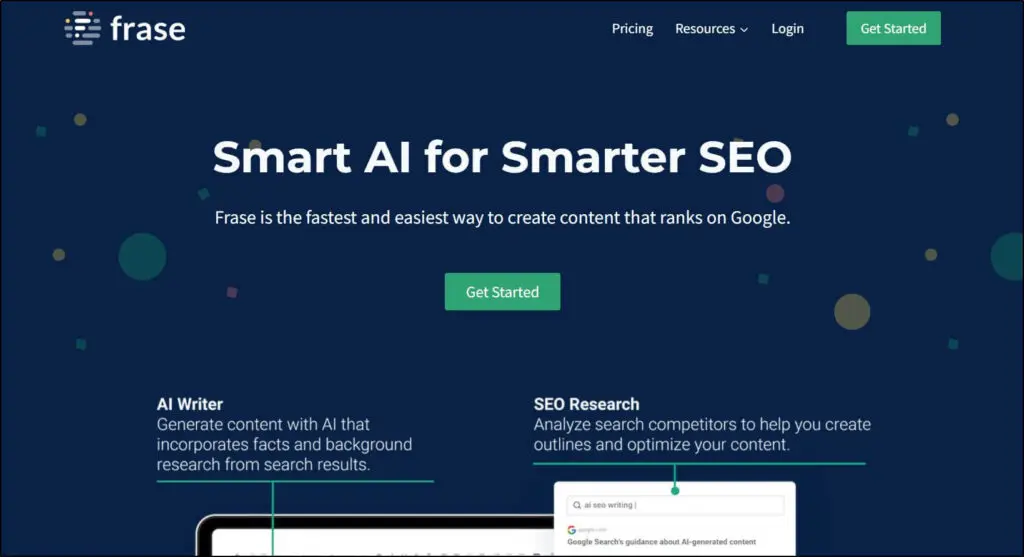
Frase is an AI content tool for content marketers and SEO professionals. It researches your topic, builds a brief from the top-ranking pages, drafts the article, and scores it against competitors.
Frase has repositioned itself around AI search. Alongside its classic SERP research and optimization tools, it now tracks how often AI assistants such as ChatGPT, Perplexity, Claude, and Gemini mention your brand.
It also includes an AI agent that can draft and publish content with your approval, a feature that monitors pages for ranking decay and drafts fixes, and an MCP server so you can run Frase from inside an AI assistant.
The price has risen a lot since I first listed it, and the Starter plan limits you to 10 articles a month. That’s enough for a creator who publishes weekly and wants every article optimized.
If organic traffic matters to your business, Frase is one of the more affordable ways to combine content optimization with AI visibility tracking. For the basics, read my guide on using SEO to sell online courses.
Frase Pricing Plans
Starter: $39/month on annual billing or $49/month paid monthly. 1 seat, 1 site, 10 articles a month
Professional: $103/month on annual billing or $129/month paid monthly. 3 seats, 5 sites, 40 articles a month
Scale: $239/month on annual billing or $299/month paid monthly. 5 seats, 10 domains, 100 articles a month
Core functions: Long-form, SEO-focused AI articles for content-heavy sites
Starting price: $20/month on annual billing ($25 monthly) for the Starter plan
Free plan or trial: 5,000 free words, no credit card required
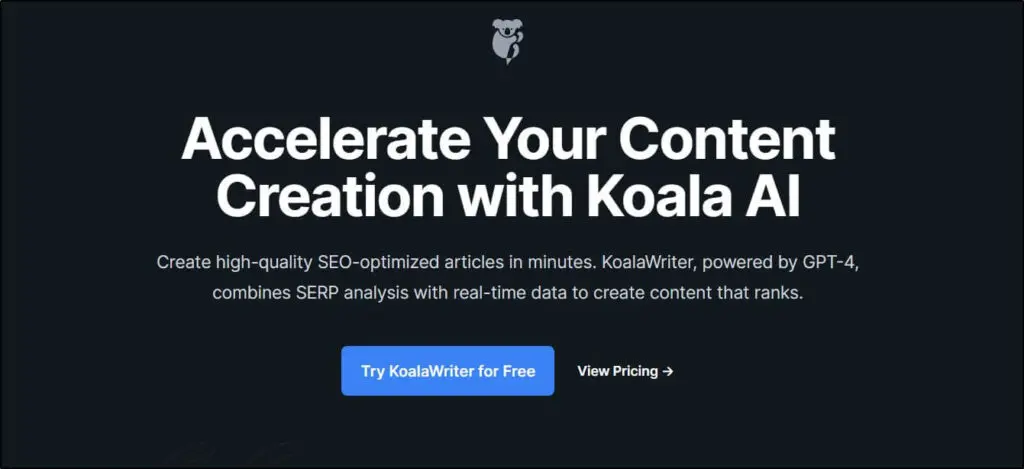
Koala is an AI content writer built for bloggers, affiliate marketers, and content creators.
If you run websites that earn from advertising or affiliate programs, you probably publish a lot of content every month. Koala can raise your production speed without a big drop in quality.
Built by bloggers and content marketers, Koala creates SEO-focused content in large volumes. It analyzes your SERP competition and targets relevant keywords, and it includes templates for comparisons, listicles, reviews, how-tos, and other article types.
Koala has grown into a wider SEO platform. Paid plans now include an MCP server, one-click publishing to WordPress and other platforms, and automated internal linking. Higher plans add deep research and a content calendar that runs on autopilot.
Watch the allowance. Koala counts words against its default model, and the more advanced models use your allowance two to three times faster.
If you publish large volumes of content every month, Koala is worth considering as your article generator. You can view Koala’s content samples here.
Koala Pricing Plans
Starter: $20/month on annual billing or $25/month paid monthly. 45,000 words, 500 credits
Professional: $39.20/month on annual billing or $49/month paid monthly. 100,000 words, 1,000 credits
Boost: $79.20/month on annual billing or $99/month paid monthly. 250,000 words, 2,500 credits
Growth: $143.20/month on annual billing or $179/month paid monthly. 500,000 words, 5,000 credits, 3 brands
Koala Features By Plan
Koala plan comparison, checked October 2026.
Feature
Starter
Professional
Boost
Growth
Words a month
45,000
100,000
250,000
500,000
Credits a month
500
1,000
2,500
5,000
One-click publishing to WordPress and other platforms
Core functions: AI editing, rewriting, and proofreading wherever you write
Starting price: $12/month on annual billing ($30 monthly) for the Pro plan
Free plan or trial: Free plan. 100 AI prompts a month
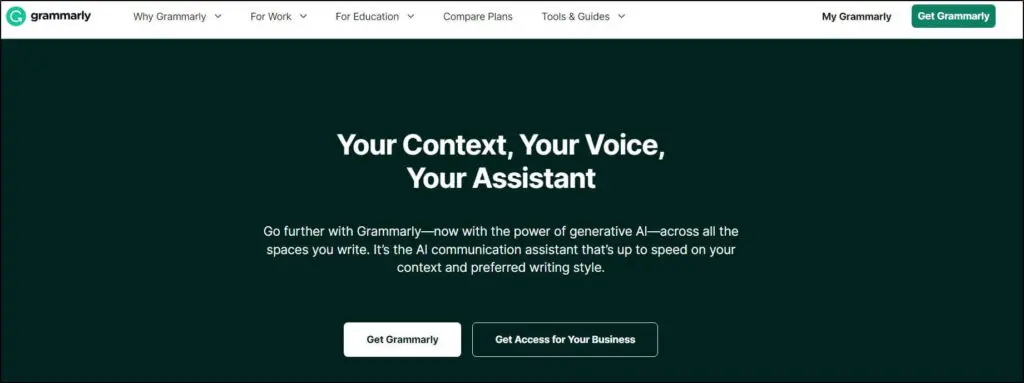
Grammarly is the world’s most popular online grammar checker. I listed it here as GrammarlyGO in earlier versions of this article. Grammarly has since dropped that name and folded its generative features into the main product.
Unlike most tools on this list, Grammarly works wherever you write. It runs in your browser, your email, and your documents, so it helps with a Gmail message, a LinkedIn post, or a course lesson.
One of my favorite things about Grammarly is that it tailors its suggestions to your voice, brand style, and content type. The Pro plan adds full-sentence rewrites, tone adjustment, plagiarism and AI-text detection, and AI agents inside Grammarly Docs.
Grammarly isn’t perfect. Don’t accept its suggestions without questioning them. Sometimes it suggests changes that don’t fit your content.
Think of it as the editing layer you run after a draft exists. It’s a handy tool for any content creator, and the free plan covers the basics.
Grammarly Pricing Plans
Free: $0. 100 AI prompts a month
Pro: $12/month on annual billing or $30/month paid monthly. 2,000 AI prompts a month per member
Core functions: AI marketing platform for brand-consistent content across campaigns
Starting price: $59/month on annual billing ($69 monthly) for the Pro plan
Free plan or trial: 7-day free trial
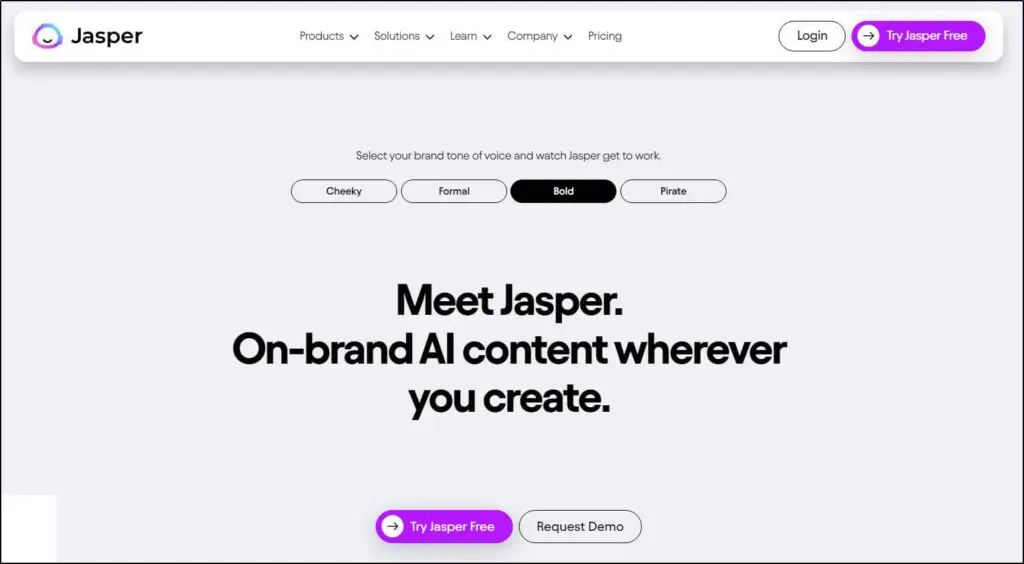
Jasper was the most popular premium AI writing tool when I first wrote this article, and it was my top pick in this category.
Its position has changed. Jasper now sells itself as an AI platform for marketing teams. The lower-priced Creator plan is gone, and the Pro plan is the only one you can buy without talking to sales.
Jasper still does its core job well. You train it on your brand’s voice, tone, and product details, and it produces blog articles, landing pages, social copy, ads, and email campaigns that stay consistent. The Pro plan includes a Canvas workspace, agents for common marketing workflows, and an image suite.
The more advanced agents for research, AI search optimization, and translation sit on the custom-priced Business plan.
For a solo creator, Claude or ChatGPT gives you similar writing quality for far less. Jasper makes sense if you run a content team and need every writer to stay on brand.
Jasper Pricing Plans
Pro: $59/month on annual billing or $69/month paid monthly. 1 seat, 2 Brand Voices
Claude is my pick for long-form writing and course material because its drafts need the least editing. Choose ChatGPT if you want one subscription that also covers images and research. Jasper was my earlier pick, and it remains a good choice for marketing teams.
If you’re camera-shy, want to start a faceless YouTube channel, or need to publish videos in bulk, AI video generators and editors will do the job for you.
Core functions: Text-to-video generation, AI video editing, voiceovers, and transcription
Starting price: $25/month on annual billing ($29 monthly) for the Starter plan
Free plan or trial: 14-day free trial
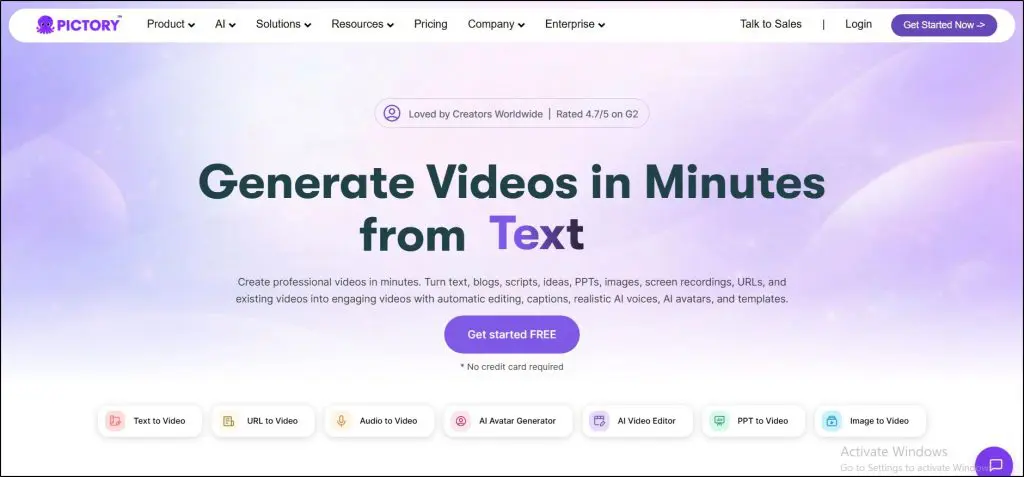
Pictory is an AI video generator and editor that lets you create, edit, and repurpose high-quality video content without investing thousands of dollars in production equipment or a studio.
With Pictory, you can generate videos in several ways.
For example, you can give Pictory a script, and it converts the script into a video with visuals, background music, and a voiceover selected by AI.
Pictory can also fetch your published articles from their URLs and convert them into videos. It does the same with PowerPoint files and PDFs, which is useful for turning slide-based lessons into video.
You can customize and edit your content at every step. You can change the visuals for any scene, choose a different soundtrack, or use your own voice recording in place of an AI voice.
Pictory has added a lot since my last update. It now offers custom avatars, voice cloning, video translation and dubbing, and an AI Studio that generates images and video clips from prompts. These generative features use AI credits, and the Starter plan includes a small number of them.
Pictory lacks the advanced editing features of a professional video editor. Its strength is speed. It quickly converts your text content into videos and lets you publish at volume without showing your face.
Pictory Pricing Plans
Starter: $25/month on annual billing or $29/month paid monthly. 200 video minutes, 100 AI credits a month
Professional: $35/month on annual billing or $59/month paid monthly. 600 video minutes, 500 AI credits a month
Team: $119/month on annual billing or $199/month paid monthly. 1,800 video minutes, 3+ users
Core functions: AI avatar videos, video translation, and prompt-to-video generation
Starting price: $24/month on annual billing ($29 monthly) for the Creator plan
Free plan or trial: Free plan. 3 videos a month, 1 minute each
HeyGen is the newest addition to this section. It creates videos with realistic AI presenters, and it has become the most popular avatar tool among solo creators.
You type or paste a script, pick an avatar, and HeyGen produces a talking-head video. You can also create an avatar of yourself, so you can publish lessons and updates without recording every time.
Its video translation is the feature course creators should look at first. HeyGen translates a video into other languages with lip-sync, which lets you offer a course to new markets without re-recording it.
A real free plan lets you test it with short videos. Voice cloning and watermark removal start on the Creator plan. SCORM export and interactive video need the Business plan.
HeyGen runs on credits, and each avatar model uses them at a different rate. The newest, most realistic avatars use credits much faster, so check how many minutes your plan covers before you plan a full course around it.
HeyGen Pricing Plans
Free: $0. 3 videos a month, 1 minute each
Creator: $24/month on annual billing or $29/month paid monthly. 600 credits a month, 30-minute videos
Pro: $49/month. 1,000 credits a month, 4K export
Business: $149/month. 1,500 credits a month, 60-minute videos
Core functions: Text-based video and podcast editing, screen recording, and AI cleanup
Starting price: $16/month on annual billing ($24 monthly) for the Hobbyist plan
Free plan or trial: Free plan
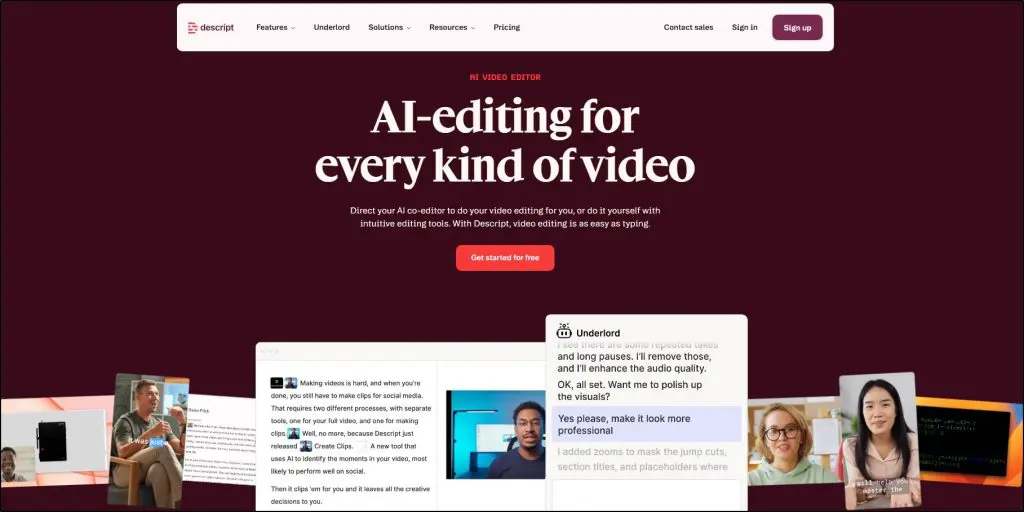
Descript is a complete audio and video editing tool for modern creators. It transcribes your recording and lets you edit the video by editing the text.
Its AI co-editor, Underlord, goes further. You can ask it to cut filler words, clean up the audio, add B-roll, fix your eye contact, and design layouts.
Descript also includes screen recording, Studio Sound for audio cleanup, automatic captions, and AI speech with voice clones. Translation and dubbing come with the Business plan.
In short, it’s a single workspace for your podcasting and video editing needs. If you’re comparing recorders, see my list of the best screen recording software.
Core functions: Text-to-video generation, AI voiceovers, and translation
Starting price: $21/month on annual billing ($28 monthly) for the Standard plan
Free plan or trial: Free plan. 3 credits a month, 720p, watermark
Fliki is quite similar to Pictory and offers impressive text-to-video features at a lower entry price.
Its strength is audio. Fliki offers a very large library of AI voices across 80+ languages, plus voice cloning on paid plans. You can call it a good AI video tool with excellent voiceover capabilities.
You can create videos from ideas, scripts, blog posts, or PowerPoint files, and translate them into other languages. The Premium plan adds AI avatars and AI-generated video clips.
The limits matter here. The Standard plan caps each video at 15 minutes and runs on monthly credits, so it suits short videos better than full course lessons.
Overall, Fliki is a good option if you want to create a faceless YouTube channel or grow your social media following with AI videos. Fliki shows prices in local currency in some countries, so check the price at checkout.
Fliki Pricing Plans
Free: $0. 3 credits a month, 720p, watermark
Standard: $21/month on annual billing or $28/month paid monthly. 180 credits a month, 15-minute videos
Premium: $66/month on annual billing or $88/month paid monthly. 600 credits a month, 40-minute videos
Core functions: AI video presenters, dubbing, and interactive training videos
Starting price: $29/month for the Starter plan
Free plan or trial: Free plan. About 10 minutes of video a month, watermark
Synthesia is an AI video platform that converts your text into videos presented by AI avatars.
It has moved firmly toward corporate training. Recent features include AI dubbing with lip-sync in 140+ languages, personal avatars, interactive videos with branching and quizzes, and roleplay avatars that let learners practice conversations.
You can paste a script, upload a document or PowerPoint file, or start from a prompt, and Synthesia turns it into a presenter-led video.
For solo creators, the plans are tight. The Starter plan covers roughly 12 minutes of video a month, which won’t stretch to a full course.
Synthesia is the stronger choice for training teams that need polish and compliance features. If you’re a solo creator who wants an AI presenter, HeyGen gives you more video for a similar price.
Synthesia Pricing Plans
Basic: $0. About 10 minutes of video a month, watermark
Starter: $29/month. About 12 minutes of video a month
Pictory offers the best balance between convenience and features. For online course sellers and content creators, it’s the fastest way to turn written content into videos and repurpose it for different platforms. Choose HeyGen if you want an AI presenter on screen.
The Best AI Tools For Image Creation & Photo Editing
AI image generators turn your text instructions into realistic images, illustrations, and graphics. AI photo editors make complex changes to your existing images in seconds.
Like AI text generators, image tools need detailed prompts to understand your intent and create what you want.
These are the image generators and editors I recommend for course thumbnails, lesson graphics, social posts, and landing pages that convert.
Core functions: High-quality AI image generator with short video clips
Starting price: $8/month on annual billing ($10 monthly) for the Basic plan
Free plan or trial: No free trial on the website or Discord
Midjourney is the AI image generator that best shows what this technology can do. You describe the image you want, and it turns your instructions into a detailed, stylish image.
Midjourney used to work only inside Discord, which put off many beginners. It now has a full web app where you create, edit, and organize your images, and you can upload and edit your own images too.
Here’s an example showing what Midjourney can create.
Midjourney created this image from a single line of instruction. With more descriptive instructions, it makes better images.
It can also turn an image into a short video clip, and it has tools that keep a character or object consistent across images. That’s useful when you want a recurring visual style across a course.
Midjourney lets you create striking visuals for social media posts, blog content, and digital products. Its weaker areas are text inside images and precise layouts, where ChatGPT and Canva do better.
Midjourney Pricing Plans
Basic: $8/month on annual billing or $10/month paid monthly. 3.3 fast GPU hours a month
Standard: $24/month on annual billing or $30/month paid monthly. 15 fast hours, unlimited Relax images
Pro: $48/month on annual billing or $60/month paid monthly. 30 fast hours, Stealth mode
Mega: $96/month on annual billing or $120/month paid monthly. 60 fast hours, Stealth mode
Core functions: AI image generation and editing inside ChatGPT
Starting price: Included in ChatGPT. Paid plans start at $8/month, and Plus costs $20/month
Free plan or trial: Free plan with limited image creation
Earlier versions of this article listed DALL-E 3 here. OpenAI has retired that name and replaced it with a newer image model built directly into ChatGPT.
You describe the image in a normal conversation, and ChatGPT creates it. You can then ask for changes in plain language, such as a different background, a new color, or corrected text, and it edits the same image.
It handles text inside images well, which makes it practical for course thumbnails, diagrams, quote graphics, and product mockups. It also offers templates and can turn a rough sketch into a finished image.
Image creation is available on the free plan with limits. Paid plans raise those limits, though OpenAI doesn’t publish exact numbers.
If you already pay for ChatGPT, try it before you add a separate image tool.
You’ll find the full ChatGPT plan list and features table under ChatGPT in the content writing section above.
Core functions: AI image generation, plus professional photo editing with generative AI
Starting price: $9.99/month for Firefly Standard. Photoshop costs $22.99/month on an annual plan
Free plan or trial: Free Firefly plan with limited daily generations
Adobe Photoshop has long been the top photo editing software for professional graphic designers and creative artists. Adobe’s AI work now centers on Firefly, its family of generative models and its standalone AI app.
Inside Photoshop, Generative Fill lets you add, remove, or replace parts of an image with a text prompt. Generative Expand extends an image beyond its original borders so naturally that it’s hard to tell.
The Firefly app generates images, video, and audio. It also gives you access to models from other AI companies alongside Adobe’s own, all in one place.
Adobe uses generative credits. The Photoshop single-app plan includes only a small monthly allowance. Firefly Pro costs less, includes far more credits, and comes with Photoshop on web and mobile, so it’s the better buy if AI generation is your main goal.
Photoshop is a professional design tool with a learning curve. If you’ve never used it before, start with Firefly or Canva.
Adobe Firefly and Photoshop Pricing Plans
Firefly Free: $0. Limited daily generations
Firefly Standard: $9.99/month. 2,000 credits a month
Firefly Pro: $19.99/month. 4,000 premium credits a month, includes Photoshop on web and mobile
Firefly Pro Plus: $49.99/month. 10,000 premium credits a month
Photoshop: $22.99/month on annual billing. Desktop Photoshop, 25 generative credits a month
Adobe Firefly and Photoshop Features By Plan
Adobe Firefly plan comparison, checked October 2026.
Core functions: All-in-one design platform with AI for images, presentations, video, and documents
Starting price: $15/month on annual billing ($18 monthly) for Canva Pro
Free plan or trial: Free plan. Up to 20 AI uses a month
Canva is the design tool most course creators already use, and it’s a new addition to this list. Its AI features now cover enough ground to replace several separate tools.
Canva AI can generate images, write and rewrite copy, resize a design for every platform, remove backgrounds, add captions, and animate a design. You can also describe a design in a text or voice conversation and get an editable layout back.
That last point matters. Most AI image tools give you a flat picture. Canva gives you a design with separate layers, so you can change the text, swap the photo, and apply your brand kit.
For course creators, that means slides, workbooks, thumbnails, social graphics, and lead magnets from one tool.
Canva meters its AI features. The free plan includes a small monthly allowance. Pro raises it, and heavy users can buy an AI Pass add-on. Canva also shows prices in local currency in some countries, so check the price at checkout.
Canva Pricing Plans
Free: $0. Up to 20 AI uses a month
Pro: $15/month on annual billing or $18/month paid monthly. 1 person, up to 200 Premium AI uses a month
Business: $20.83/month on annual billing or $25/month paid monthly. Per person, up to 400 Premium AI uses a month
Midjourney still produces the best-looking images, which matters for hero graphics, course covers, and brand visuals. If you need editable designs with text and layouts, choose Canva.
Core functions: Text-to-speech, voice cloning, dubbing, music, and AI podcast generation
Starting price: $6/month for the Starter plan
Free plan or trial: Free plan. 10,000 credits a month, no commercial license
ElevenLabs is one of the most advanced text-to-speech and voice cloning platforms, and it now leads this category. It generates very realistic voices in dozens of languages.
Creators use it for narration, audiobooks, podcasts, video voiceovers, and dubbing.
With Instant Voice Cloning, ElevenLabs replicates a voice from a short audio sample. Professional Voice Cloning, on the Creator plan and above, produces a closer match from longer recordings.
It has expanded well beyond voices. Here’s what else you get.
A Studio for long-form audio, with a feature that generates a podcast from your source material
A Dubbing Studio that translates your audio and video into other languages
AI music and sound effects, with commercial use on paid plans
An MCP connection, so AI assistants such as Claude and ChatGPT can generate audio for you
The free plan doesn’t include a commercial license, so you’ll need at least the Starter plan to publish what you make. Prices here are low for the quality, which is why ElevenLabs has become my default recommendation for AI voice.
ElevenLabs Pricing Plans
Free: $0. 10,000 credits a month, no commercial license
Starter: $6/month. 30,000 credits a month
Creator: $22/month. 121,000 credits a month
Pro: $99/month. 600,000 credits a month
Scale: $299/month. 1.8 million credits a month, 3 seats
Core functions: AI studio for podcasts, voiceovers, and video
Starting price: $21/month on annual billing ($25 monthly) for the Creator plan
Free plan or trial: Free plan. 150 credits, 720p export
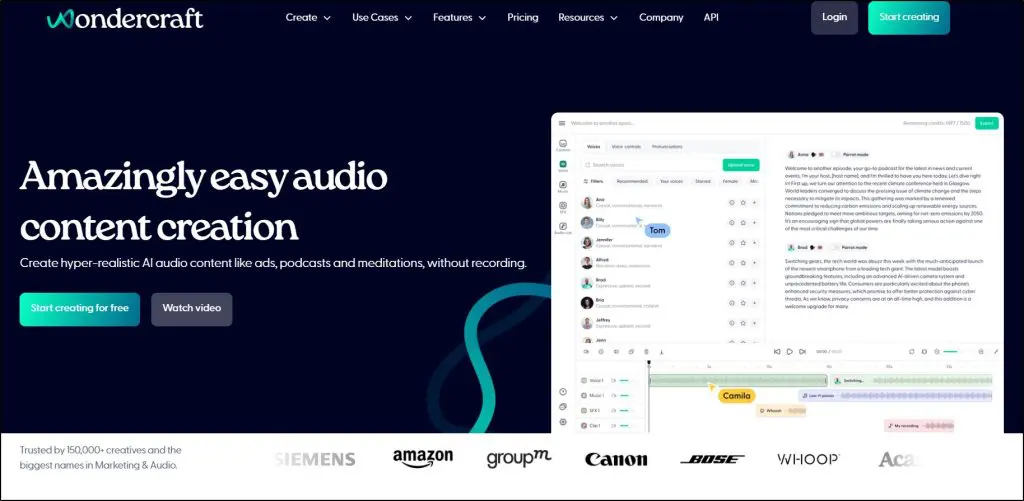
Wondercraft started as an AI voice and podcast platform, and it was my top pick in this category. It has since widened its focus and now describes itself as an AI video studio, with its audio tools still built in.
For podcasters, the AI podcast generator remains the main attraction. You give it a prompt, a blog post, a URL, or a document, and it produces a multi-voice conversation. You can adjust the delivery, clone your own voice, and add royalty-free music and AI sound effects.
The newer video side adds an editor with templates for training, onboarding, and promo videos. An AI agent called Wonda coordinates the video, voice, music, and image models for you.
If you want to build a narration-based YouTube channel, scale podcast production, or add professional voiceovers to videos, Wondercraft still does the job well. Before you generate audio, read my guide on how to write a podcast script.
The free plan exports at 720p. Watermark removal and commercial rights start on the Creator plan.
Wondercraft Pricing Plans
Free: $0. 150 credits, 720p export
Creator: $21/month on annual billing or $25/month paid monthly. 1,000 credits, 1 custom character
Pro: $45/month. 2,000 to 6,000 credits, up to 3 users
Enterprise: Custom
Wondercraft Features By Plan
Wondercraft plan comparison, checked October 2026.
Core functions: AI-powered recording, editing, dubbing, and voice generation for podcasts and video
Starting price: $11.99/month on annual billing ($19.99 monthly) for the Essentials plan
Free plan or trial: Free plan. 1 hour of remote recording, 2 GB storage
Podcastle rebranded as Async in late 2025. Existing accounts carried over, and the product kept its focus on recording and editing audio and video with AI.
With Async, you can record remote interviews in a browser studio and edit them like a text document. Its AI tools remove silences and background noise and enhance your audio.
You can also use it as a voice generation platform. Its text-to-speech feature turns your script or blog posts into audio, and it offers voice cloning.
The newer features help you reach more people. AI dubbing translates your content into 30+ languages with lip-sync, and the video tools create clips, reframe footage for social platforms, and add subtitles.
Paid plans run on monthly AI credits and recording hours, so compare those limits with how much you record. If you’re looking for one tool to record, edit, and repurpose a podcast, Async is a strong choice. I cover more options in my list of the best podcast recording and editing software, and you can stretch each episode further with these ways to repurpose podcasts.
Async (Formerly Podcastle) Pricing Plans
Free: $0. 1 hour of remote recording, 2 GB storage
Essentials: $11.99/month on annual billing or $19.99/month paid monthly. 450 AI credits a month, Full HD
Pro: $23.99/month on annual billing or $39.99/month paid monthly. 1,200 AI credits a month, 4K
Teams: $49.99/month on annual billing or $84.99/month paid monthly. 3,000 AI credits a month
ElevenLabs is my choice because of its voice quality, low entry price, and wide feature set. Choose Wondercraft if you want finished multi-voice podcasts from a document, or Async if you record interviews.
The Best AI Tools For Courses, Memberships & Communities
The AI tools I’ve discussed so far help you with different parts of content creation. Dedicated online course platforms and membership site builders have also added AI features of their own.
These features work from your course content and your student data, so their output is more relevant than a general tool’s.
The prices below are for the platforms themselves. If you plan to sell courses online, the AI features come as part of the plan.
Core functions: Online course platform with AI tools for planning, writing, assessing, and giving feedback
Starting price: $24/month on annual billing ($29 monthly) for the Starter plan
Free plan or trial: Free trial
LearnWorlds is a new addition to this section, and it has the widest set of built-in AI tools for building a course.
LearnWorlds AI covers most stages of course production.
Course Planner for outlines and learning activities
Ebook Writer for course ebooks and handouts
Assessment Designer for exam and quiz questions
AI feedback and grading for open-text assignments
AI questions for interactive videos, plus video summaries and subtitle translation
Email, page, image, and form generation
The core AI tools are included on every plan, and each plan comes with a monthly allowance of AI credits. Automatic subtitles and AI automations need the higher plans.
If you want AI to help you produce the course itself, including assessments and learner feedback, LearnWorlds does more than the other platforms here.
LearnWorlds Pricing Plans
Starter: $24/month on annual billing or $29/month paid monthly
Pro Trainer: $79/month on annual billing or $99/month paid monthly
Learning Center: $249/month on annual billing or $299/month paid monthly
Core functions: All-in-one course and marketing platform with a built-in AI business assistant
Starting price: $143/month on annual billing ($179 monthly) for the Basic plan
Free plan or trial: 14-day free trial
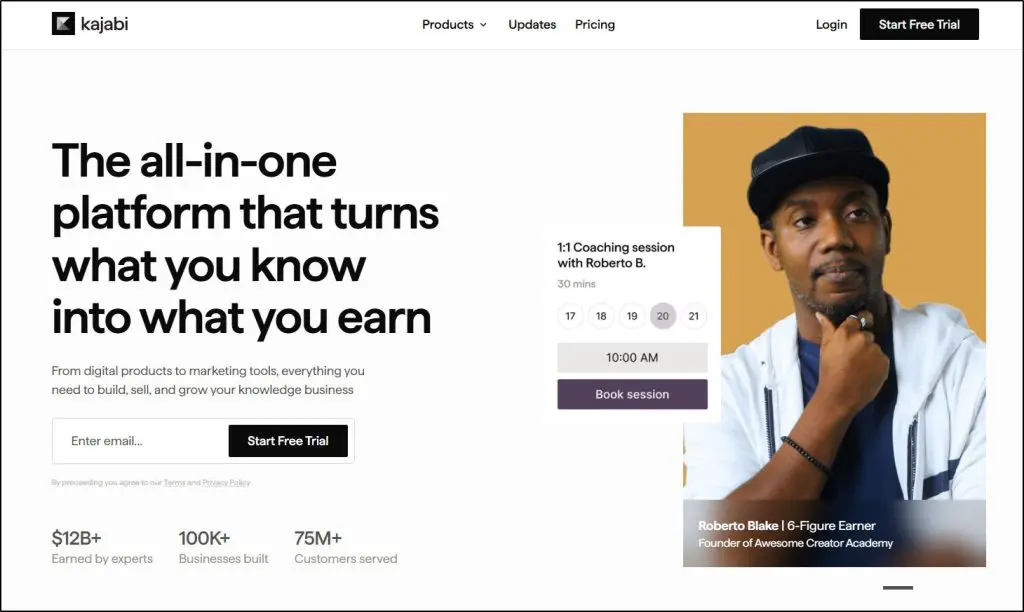
Kajabi is one of the most feature-rich online course platforms, with strong sales and marketing tools.
Earlier versions of this article described the Kajabi AI Creator Hub, a set of free generators. Kajabi has replaced it with three products.
Cofounder is an AI assistant inside your dashboard. It drafts course outlines, emails, sales copy, and landing pages, and it gives advice based on your own Kajabi data.
Expert Agents answer questions for you. A Teaching Assistant answers enrolled students from your lesson content, and a Sales Agent answers prospects on your sales pages.
Kajabi MCP lets you run Kajabi from an external AI assistant.
Cofounder is included with every Kajabi plan at no extra cost. It only drafts, so you still review and publish everything yourself.
Expert Agents are a paid add-on, priced per agent. Transcription, translation, and dubbing use AI credits, which come with the Growth and Pro plans.
Like any generative AI tool, Cofounder’s results depend on your prompts. Use descriptive prompts to help it understand what you want.
Core functions: Online course platform with AI tools for outlines, course drafts, quizzes, and subtitles
Starting price: $29/month on annual billing ($39 monthly) for the Starter plan
Free plan or trial: 7-day free trial
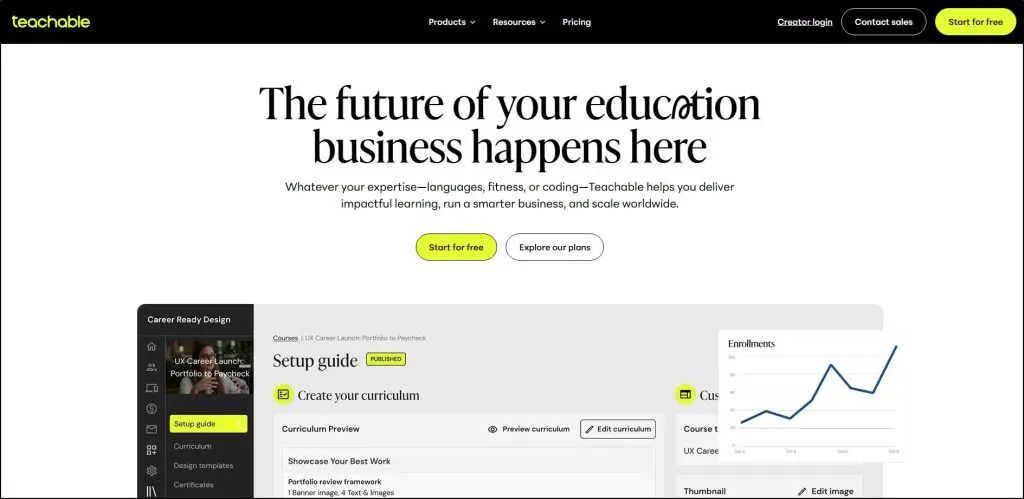
Teachable is another of my favorite online course platforms, with strong course creation and student management features.
It offers several AI tools to help you create more engaging course content for your students.
Course Starter is the newest. It drafts a full curriculum, course content, and a sales page in minutes. The AI Curriculum Generator builds an outline from your course title and description and places it straight into the curriculum builder.
Teachable also has an AI quiz generator that creates quizzes from your lesson content. Quizzes are a great way to raise your course’s value and its completion rates.
Video transcription, subtitles, and translation round out the set. They’re free on the Growth and Advanced plans and carry a usage cost on the lower plans.
Teachable doesn’t offer an AI tutor or a business assistant yet. If you’re already a Teachable user or plan to sell courses with it, these features cover the basics well.
Teachable Pricing Plans
Starter: $29/month on annual billing or $39/month paid monthly
Builder: $69/month on annual billing or $89/month paid monthly
Growth: $139/month on annual billing or $189/month paid monthly
Core functions: Online course platform with AI tools for outlines, quizzes, landing pages, and email
Starting price: $40/month on annual billing ($54 monthly) for the Basic plan
Free plan or trial: 30-day free trial
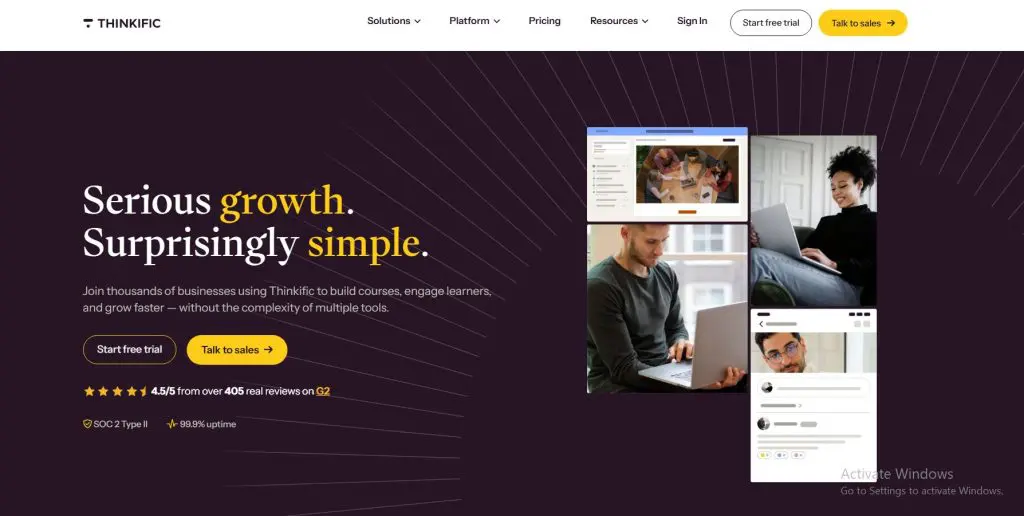
Thinkific is among my favorite online course platforms because of its online learning and content creation features.
When I last updated this article, Thinkific offered a handful of free name and idea generators, and I said it needed more valuable AI tools. It has delivered. AI at Thinkific now sits inside the product.
AI Course Outline Generator in the course builder
AI Quiz Generator that builds multiple-choice quizzes from your chapter content
AI Landing Pages for courses, digital downloads, coaching, and webinars
AI email copy for subject lines, body text, and calls to action
Automatic closed captions for your videos
The headline feature is Thinker, an AI teaching assistant that answers learner questions from your course content around the clock. Thinker is only available on Thinkific Plus, the enterprise plan, so most solo creators won’t have access to it.
On the standard plans, Thinkific’s AI is practical and roughly level with Teachable’s.
Thinkific Pricing Plans
Basic: $40/month on annual billing or $54/month paid monthly
Start: $82/month on annual billing or $109/month paid monthly
Grow: $164/month on annual billing or $219/month paid monthly
Core functions: Online community platform with AI agents, AI workflows, and transcription
Starting price: $89/month on annual billing for the Professional plan
Free plan or trial: 14-day free trial
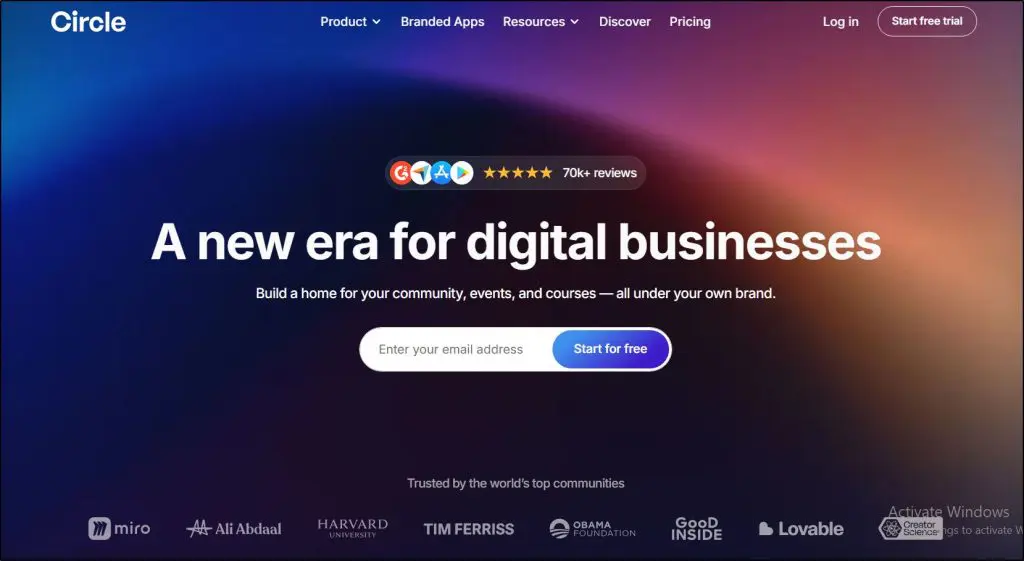
Circle is one of the leading online community platforms. It helps creators sell courses, memberships, and coaching while they grow their audience.
Circle was my pick in this category last time. Its AI has become more powerful since then, but the best parts now sit on the higher plans.
AI Agents are custom assistants trained on your community content. They answer, support, and coach members around the clock, and you can take over any conversation.
AI Workflows detect spam, negative sentiment, or off-topic posts and respond with an action such as a comment, a message, or a tag.
Transcriptions, AI moderation, and an MCP connection come with every plan.
Activity scores identify your most active members on the Business plan and above.
AI Agents and AI Workflows are available on the Scale plan and above. Every plan includes a monthly allowance of AI credits, and you can buy more.
If you run a large community and can justify the Scale plan, Circle’s agents are the most capable community AI here. On the lower plans, you get transcription and moderation. Mighty Networks is worth a look as an alternative, because its Cohost AI features start on its entry plan.
LearnWorlds includes the most useful AI tools for building a course, and they come with every plan. Choose Kajabi if you want an AI assistant that also helps with marketing and business decisions. Circle, my earlier pick, is the one to choose for AI agents in a large community.
The Best AI Tools For Website & Landing Page Design
Starting your own website is one of the best ways to grow your brand authority and sell high-ticket products.
Website design is a specialized skill that takes years to master.
With AI website builders, you can create landing pages for your sales campaigns and websites for your business from a few prompts. If you only need a sales page, compare these with dedicated landing page software.
Core functions: AI website builder for WordPress, with hosting included
Starting price: $10/month on annual billing for the AI Starter plan
Free plan or trial: 3-day free trial with 5 AI credits. You can generate one site for free first
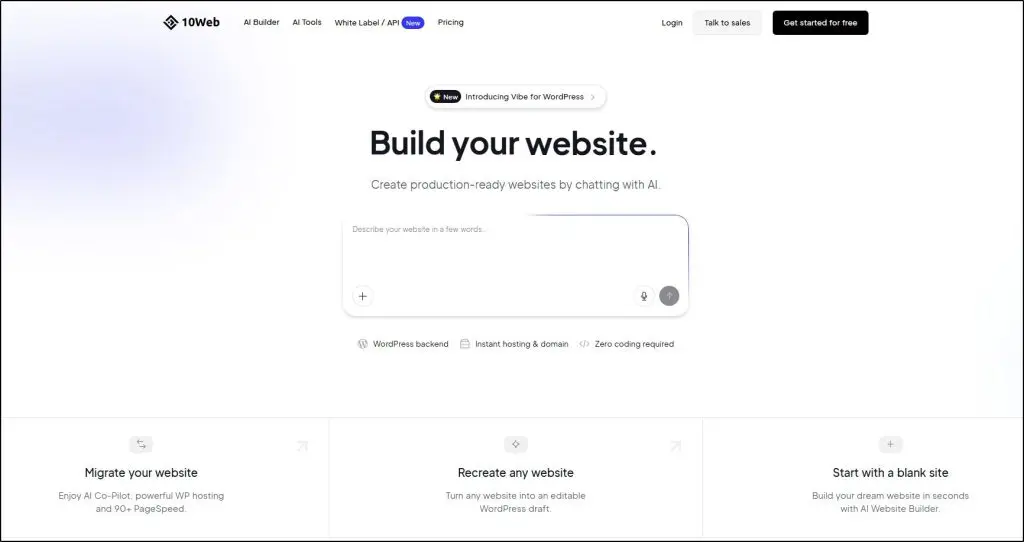
10Web is a website builder that has been around since 2018. It rebuilt itself around AI and now automates most of the website creation process.
When we tested 10Web, we were surprised by its wide range of features and customizations. It uses generative AI to create the first draft of your site from your prompts.
You then refine the site by chatting with its AI Co-Pilot, or you edit any part of the design and content yourself.
One of my favorite features in 10Web is the ability to recreate an existing website from its URL. You can start from a site you admire and customize it for your business.
10Web builds on WordPress, and that’s the main reason I recommend it to course creators. You own a WordPress site, so you can add an LMS plugin, a membership plugin, or any other tool later. Hosting and a free custom domain come with the paid plans.
It can also generate an online store and import a Figma design.
10Web Pricing Plans
AI Starter: $10/month on annual billing. 1 site, 10K visitors, 100 AI credits
AI Premium: $15/month on annual billing. 2 sites, 20K visitors, 200 AI credits
AI Ultimate: $22.50/month on annual billing. 4 sites, 50K visitors, 300 AI credits
Core functions: AI website builder with a built-in CRM, bookings, and marketing tools
Starting price: $22/month on annual billing ($25 monthly) for the Launch plan
Free plan or trial: Free plan. Free subdomain, 5 AI images a month
Durable markets itself as an AI website builder. In practice, it’s a small-business toolkit powered by generative AI.
With Durable, you create a business website by answering three simple questions about your business type, location, and name.
Durable then generates a full design with images, website copy, and a contact form.
Here’s a design we created with Durable in less than 10 seconds.
You can customize its designs or regenerate them to get more options.
It also gives you a CRM to manage your leads, online bookings, and email marketing. The paid plans add an AI agent that replies to new leads, and the Grow plan writes and publishes blog posts for you.
Durable suits coaches, consultants, and service businesses that need a professional site quickly. It has no course or membership features, so you’d pair it with a course platform.
Durable Pricing Plans
Free: $0. Free subdomain, 5 AI images a month
Launch: $22/month on annual billing or $25/month paid monthly. Custom domain, 50 AI images a month
Grow: $41/month on annual billing or $49/month paid monthly. Unlimited team members, 500 AI images a month
Core functions: Design-led website builder with AI agents for layout, copy, and translation
Starting price: $10/month for the Basic plan
Free plan or trial: Free plan. Framer domain, 500 AI credits to try
Framer is a new addition to this list. It’s the best choice here if the look of your website matters most to you.
Framer started as a design tool, and its sites show it. Its AI agents now design pages and layouts, set up responsive breakpoints, and add effects and interactions from your instructions.
AI also writes copy and SEO metadata, manages CMS content, checks your site for broken links and accessibility problems, and translates your site into other languages.
Framer needs more hands-on work than Durable or 10Web, and it has no built-in course or checkout features. Many creators use it for their main marketing site and link out to their course platform.
The free plan publishes on a Framer domain. You need a paid plan for a custom domain.
Framer Pricing Plans
Free: $0. Framer domain, 500 AI credits to try
Basic: $10/month. 30 pages, 1,000 AI credits a month
Pro: $30/month. 150 pages, 3,000 AI credits a month
It was a close call. 10Web is my preferred choice for course creators because it gives you a WordPress site you can extend later. Durable is faster for a simple service business site, and Framer wins on design.
Which Of These Top AI Tools Do You Use?
I’ve given you a short introduction to the best AI tools for creators. If you want to grow your online course and digital product business, learn to use these tools to your advantage.
Many of these tools work in tandem. For example, you can use a writing tool to draft a script. Then you use a voice tool to create the audio. Finally, you upload the audio to a video generator to create an HD video with closed captions.
Creators have never had better tools. Let them handle the technical side of production, and spend your time on the ideas, stories, and expertise that only you can bring.
To plan the business side, try our free creator tools. They include calculators for course pricing, revenue, and content planning.
Frequently Asked Questions
What is the best AI tool for content creators?
It depends on your main format. Claude and ChatGPT are the best starting points for writing and research, Pictory for turning written content into video, Midjourney for images, and ElevenLabs for voiceovers. Most creators get the best return from one general assistant plus one tool for their main content format.
What are the best free AI tools for creators?
Claude, ChatGPT, and Google Gemini all have free plans that cover writing, research, and basic image generation. Canva, ElevenLabs, HeyGen, Fliki, Descript, and Grammarly also offer free plans with usage limits. Free plans usually add watermarks or restrict commercial use, so check the terms before you publish.
How much do AI tools for content creation cost?
Most paid plans for solo creators cost between $6 and $29 a month. Claude Pro and ChatGPT Plus cost $20 a month, Midjourney starts at $10, ElevenLabs at $6, and Pictory at $29 on monthly billing. Annual billing usually lowers the price.
Which AI tool is best for creating online courses?
Use a general assistant such as Claude or ChatGPT to plan your outline and draft lessons. Then use the AI features inside your course platform. LearnWorlds has the widest set of course-building AI tools, and Kajabi includes its Cofounder assistant on every plan.
Can I use AI-generated content commercially?
Usually yes on paid plans, but the rules differ by tool. ElevenLabs and Wondercraft only grant commercial rights on paid plans, for example. Read each tool’s license terms, and review AI output for accuracy and originality before you sell or publish it.
Will AI replace content creators?
AI speeds up research, drafting, editing, and production, but it can’t supply your experience, your judgment, or your relationship with your audience. Creators who combine real expertise with AI tools publish more and stand out from generic AI content.
What is the best AI video generator for faceless YouTube channels?
Pictory and Fliki both turn scripts and blog posts into narrated videos with stock footage and AI voices. Pictory suits long-form content repurposing. Fliki is the lower-cost option with a free plan. HeyGen is the better choice if you want an AI presenter on screen.
Do I need different AI tools for writing, images, and video?
Not always. ChatGPT, Gemini, and Canva each cover writing and images in one subscription, and some plans include video. Dedicated tools such as Midjourney, ElevenLabs, and Pictory still produce better results in their own category, so add them when a single format matters to your business.
Jeff Cobb, Founder of Learning Revolution
Jeff Cobb is an expert in online education and the business of adult lifelong learning. Over the past 20+ years he has built a thriving career based on that expertise – as an entrepreneur, a consultant, an author, and a speaker. Learning Revolution is a place where Jeff curates tips, insights, and resources to help you build a thriving expertise-based business. Learn more about Jeff Cobb here.