
TL;DR: What Are The Best Membership Site Platforms
A membership site platform is software that allows you to create members only websites and content assets. It protects content, manages logins, bills subscribers on a recurring basis, and automates tasks like drip schedules and renewal reminders—so you can focus on creating and teaching instead of chasing payments.
Top Picks for the Best Membership Portal Software 2026
Kajabi – All-in-one platform for scaling memberships with built-in courses, email marketing, and funnels.
Thinkific – Course-driven memberships with drip content, quizzes, and progress tracking.
Mighty Networks – Community-driven memberships with courses, live events, and strong engagement tools.
Other Excellent Membership Builders Worth Considering
MemberPress – Best WordPress plugin for complex paywalls and flexible billing.
Podia – Simple, low-stress memberships with built-in email marketing and digital sales.
Kartra – Marketing-heavy memberships with funnels, automation, and webinars.
Zenler – Budget all-in-one platform with live classes, webinars, and strong marketing automation.
Teachable – Simple, course-first memberships with coaching and downloads.
MemberSpace – Quick way to add memberships to any site
These nine tools cover every model—course-driven, community-led, or simple paywall—so you can choose the one that fits your goals, tech stack, and budget.
Over my two decades of helping edupreneurs and organizations build e-learning programs, the most successful clients I’ve worked with are the ones who turn their knowledge into a membership program.
A good membership site gives you steady recurring revenue, stronger relationships with your audience, and a way to deliver real, long-term transformation, not just one-off courses.
But you can’t pull it off manually, you’ll need the right subscription management software.
The best membership site platforms (also called membership site software, membership portals, or membership website builders) make it easy to protect content, manage members, and handle recurring payments.
In this guide I share the platforms I trust most for 2026.
Best Membership Site Platforms & Software Compared (2026)
Before diving deeper, here’s a bird’s eye view of our top picks for the best membership platforms.
| Platform | Pricing (Annual Billing) |
| Kajabi (Best overall) | Starts $143/mo (Basic) • 30-day free trial • No free plan |
| Mighty Networks | Starts $49/mo (Community Plan) • 14-day free trial • No free plan |
| MemberPress | Starts $179.50/yr (Basic) • No free plan |
| MemberSpace | Starts $39/mo +5% fee • Free trial available • No free plan |
| Kartra | Starts $59/mo (Essentials) • 30-day money-back guarantee • No free plan |
| Thinkific | Starts $36/mo (Basic) • 30-day free trial • No free plan |
| Zenler | Starts $97/mo (Pro, billed annually) • 30-day money-back guarantee • No free plan |
| Teachable | Starts $29/mo (Starter, 7.5% fee) • 7-day free trial • No free plan |
| Podia | Starts $39/mo (5% fee) or $33/mo yearly • 30-day free trial • No free plan |
9 Top Membership Site Software Platforms & Builders Reviewed
The membership site platforms we’ve included in this post are all world-class options. They offer core functionality for managing online subscriptions, delivering multimedia content, and processing payments.
However, the main differences are in marketing features and pricing plans.
So, carefully analyze each platform to see which ones align best with your needs, teaching style, and learning goals.
P.S. Looking for inspiration? Here are some excellent membership site examples.
1. Kajabi (Best All-in-One Membership Platform)
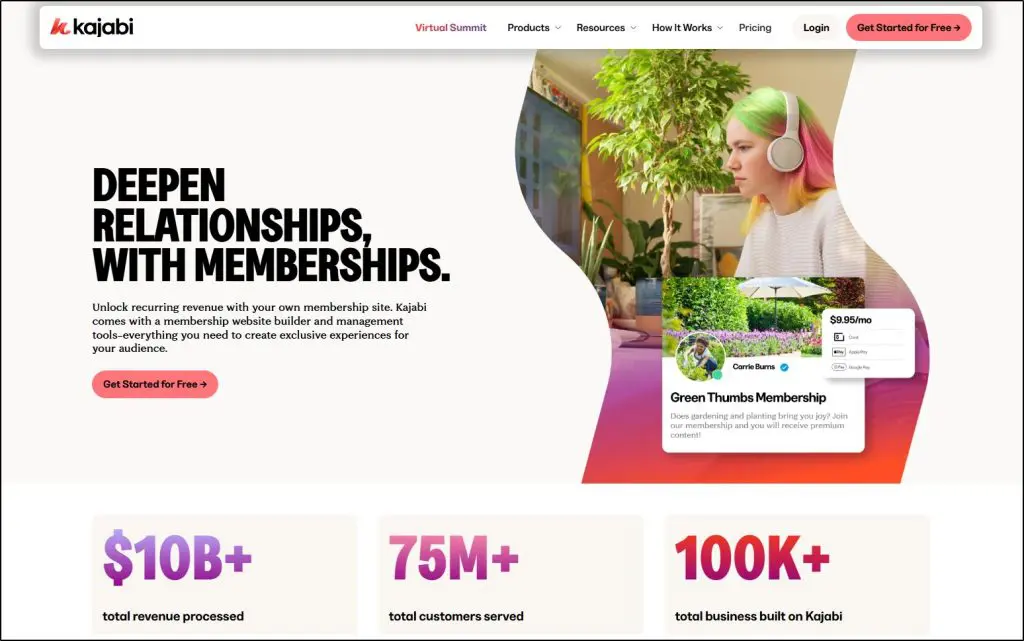
- Why I’ve included it: Everything you need—memberships, courses, email marketing, funnels, and site design—lives under one login so you can grow recurring revenue without stitching tools together.
- Price: Starts at $143/month (billed annually, Basic plan)
- Get a free 30 Day Kajabi Trial
- Read our full Kajabi Review for more details.
Kajabi is my top choice for the best membership site platform.
It is an all-in-one software platform where you can create paid memberships, offer structured courses, run optional community spaces, send newsletters, and manage advanced email automation, all from one dashboard.
For edupreneurs and e-learning businesses that want to scale membership programs and keep the experience seamless, it’s the platform I recommend most.
Creators like Bruce Marion, an online painting instructor, use Kajabi to run live and recorded sessions for their subscription customers.

For memberships, Kajabi gives you a complete toolkit:
- Build a protected members-only area using its drag-and-drop website and landing-page builder.
- Create multiple membership tiers with monthly or annual billing.
- Drip lessons or entire course modules on a schedule to increase retention.
- Automate onboarding and re-engagement emails based on member activity.
- Track recurring revenue, churn, and lifetime value with detailed subscription analytics.
Its Creator Studio AI drafts course outlines, email campaigns, and even launch sequences, cutting content-creation time dramatically and helping you keep members engaged with fresh material.
In short, if you want membership management, content creation, and advanced email marketing in one platform, Kajabi is the obvious choice.
- Best for: Edupreneurs and training businesses ready to build and scale paid memberships on a single, professional platform.
- Not ideal for: Beginners on a limited budget or someone looking for membership features only (not the full all-in-one experience)
| Pros | Cons |
| Complete membership management with billing, analytics, and drip content | Higher starting cost than simple plugins |
| Strong AI tools that reduce content and email creation time | Design flexibility is narrower than a fully custom WordPress setup |
| Built-in payments and funnels | Advanced funnel features have a learning curve |

2. Mighty Networks (Best for Community Driven Memberships)
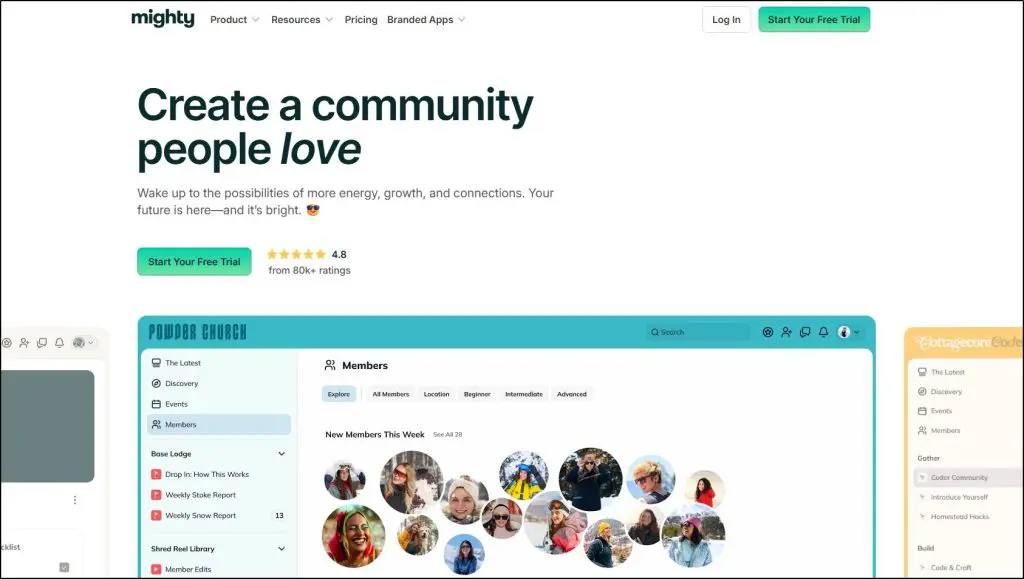
- Why I like it: Great if your paid membership thrives on people meeting, learning, and engaging every day.
- Price: From $49/month (Community Plan, billed annually) – 14-day free trial.
- Get a free Mighty Networks Trial
- Read our full Mighty Networks Review for more details.
Mighty Networks is an all-in-one platform where you can sell recurring memberships tied to courses, live events, and interactive community spaces.
Every plan supports unlimited members, spaces, admins, and hosts, so you can layer content and membership tiers as you scale.
Its standout People Magic AI and new AI Co-Host boost community engagement by recommending connections, suggest conversation starters, and help you design onboarding flows that keep members renewing.
Might Networks automations let you drip course content, grant badges, run streaks, and celebrate milestones, directly improving retention and recurring revenue.
A great example of a thriving members only community built with Mighty Networks is The Outwild Hub.

Mighty Networks has built-in payment gateways and handles subscriptions and one-time course or event fees without third-party plugins.
You can also embed 2,000+ tools (Zoom, Zapier, etc.) and even launch your own branded mobile app on the Mighty Pro plan for a premium member experience.
- Best for: Edupreneurs and creators building memberships where networking, courses, and live events are central.
- Not ideal for: Straight content libraries or single-topic memberships that don’t need daily interaction.
| Pros | Cons |
| Unlimited members, spaces, and hosts on every plan | Less suited to a simple paywall-only membership |
| AI tools (People Magic & Co-Host) that drive engagement and reduce churn | Website-style SEO and custom coding weaker than WordPress |
| Built-in subscriptions, courses, and event monetization | Visual layout flexibility still limited compared to full site builders |

3. MemberPress (Best for turning WordPress into a Membership Portal)

- Why I like it: It’s the strongest WordPress membership plugin for serious paywalls, dripping, and recurring billing, without custom code.
- Price: Starting from $179.50/yr Basic, No transaction fees.
- Try MemberPress for free
- Read our full MemberPress Review for more details
MemberPress is purpose-built membership site software for WordPress that turns your site into a membership portal.
It is my top choice among all the different WordPress membership plugins.
MemberPress allows you to lock any post/page/file with Rules, bundle access into tiers, and run true subscription billing (Stripe, PayPal, Authorize.net on Pro) with proration, upgrades/downgrades, coupons, and order bumps at checkout.
For content cadence, use drip schedules and expirations at the rule or course level to drive retention.
Celebrity fitness coach Paul Sklar, with over 1.5 million Instagram followers, uses MemberPress to run his subscription-based fitness programs.

If your membership includes learning, the built-in Courses LMS adds drag-and-drop curricula, quizzes, assignments, gradebook, certificates, and coaching (CoachKit).
Need group sales? Corporate accounts and gifted memberships (Pro) are turnkey.
MemberPress handles taxes via Stripe Tax, TaxJar, or Quaderno. It plays well with your stack since it offers 2,000+ integrations via Zapier, plus native ties to email/CRM, forums (bbPress), page builders, and ecommerce.
MemberPress doesn’t have native AI features, but there’s a ChatGPT integration and plenty of automation hooks. So, treat AI here as additive (copy/helpdesk), not core to membership ops.
Still, it’s a powerful tool for anyone looking to turn their WordPress site into a membership portal.
- Best for: Site owners committed to WordPress who want flexible content gating, reliable recurring payments, and course/coaching add-ons.
- Not ideal for: Anyone who doesn’t want to manage hosting, updates, and plugins, or needs a hosted mobile app out of the box.
| Pros | Cons |
| Granular Rules, tiers, drip/expire—excellent for complex paywalls | Requires WordPress hosting, updates, and plugin upkeep |
| Strong commerce: subscriptions, coupons, order bumps, taxes | No native mobile apps; experience tied to your theme |
| Built-in LMS (quizzes, assignments, gradebook) + corporate/gift memberships | Advanced setups may need multiple add-ons/integrations |

4. MemberSpace (Best for Adding Memberships to Any Website)
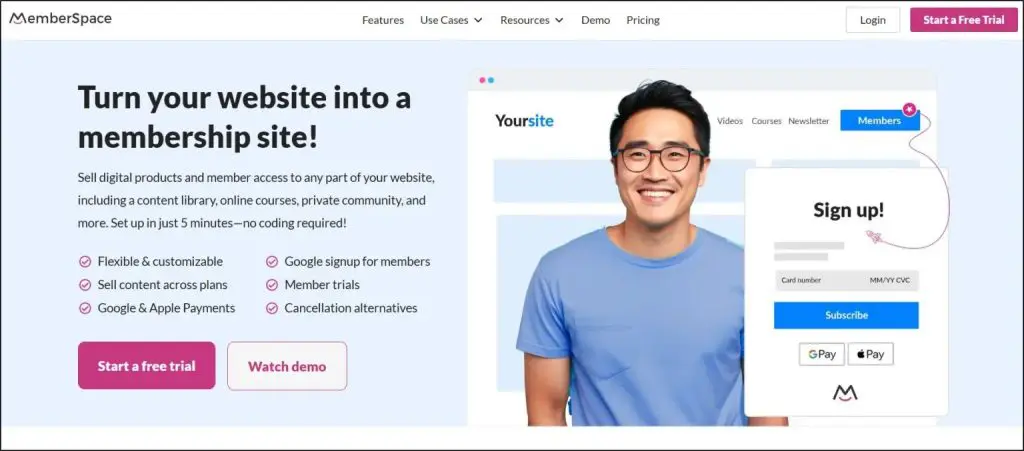
- Why I like it: Easiest way to add memberships to a website (Squarespace, WordPress, Webflow, Wix, Notion, and more) without coding.
- Price: Starter $39/month +5% fee, all plans start with a free trial.
- Get a free trial and 10% off on MemberSpace
MemberSpace is flexible membership site software that turns any site into a secure membership portal. Drop in a small code snippet, lock premium pages or files, and you can sell memberships online as recurring subscriptions, one-time payments, free plans, or trials.
You can even change pricing for existing members or create tiered access plans without disrupting billing.
A great example is Abagail’s site, The Co-op, which uses MemberSpace to offer a simple yet effective subscription program.

Memberspace has built-in growth features like upsells, coupon codes, and abandoned-signup reminders to help recover lost sales. Members enjoy fast checkout with Apple Pay, Google Pay, and Link one-click pay, and you stay compliant with GDPR, CCPA, and SCA.
It also includes advanced tools like drip content, automated failed-payment recovery, plan-specific signup forms, and manual approvals when needed.
The platform’s Member Menu creates an organized content hub for digital downloads, courses, or exclusive videos. There’s no native AI, but MemberSpace connects with Zapier and API integrations, so you can add AI-driven automations for email or support.
- Best for: Site owners who want to quickly sell memberships online or add a membership portal to an existing website without switching platforms.
- Not ideal for: Businesses needing a full LMS or a hosted mobile app.
| Pros | Cons |
| Works with any website builder; 5-minute setup | Transaction fees on all plans |
| Built-in revenue boosters: upsells, abandoned-signup reminders, flexible pricing | No native LMS or deep course authoring |
| Secure recurring billing with drip content and tiered access | No built-in AI; automations rely on Zapier/API |

5. Kartra (Best for Marketing-Heavy Membership Sites)
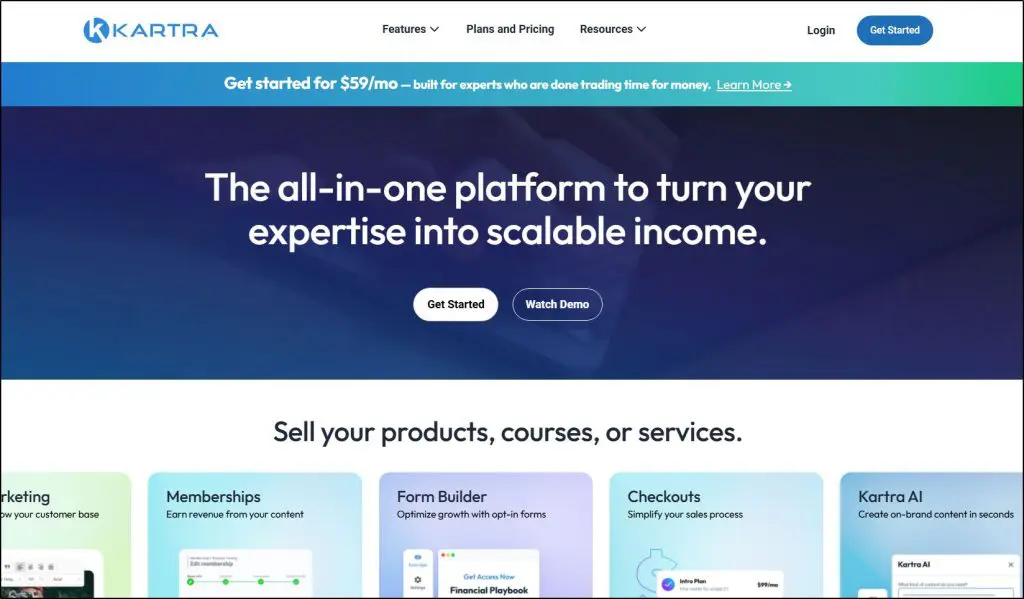
- Why I like it: Combines a true membership portal builder with advanced marketing automation, funnels, and analytics—all under one login.
- Starting Price: Essentials $59/month,30-day money-back guarantee and 1:1 onboarding included.
- Get a free 30 day Kartra trial
- Read our full Kartra Review for more details
Kartra is an all-in-one membership site platform built for edupreneurs and creators who need marketing depth.
Its drag-and-drop membership builder lets you publish unlimited protected pages, create tiered access, and drip content so each member follows a timed learning path.
A great example of Kartra’s capabilities is Stefanie Lugo’s Market Authority Academy, a thriving real estate membership business built entirely on Kartra’s platform.

It also includes built-in email marketing and SMS tools to automate onboarding, renewals, and re-engagement.
Kartra truly shines in marketing.
Native funnel mapping and simulations, advanced automation sequences, and affiliate management help you convert and retain members without bolting on third-party apps. Built-in checkouts handle subscriptions, coupons, and trials with no transaction fees on Starter plans and up.
The new Kartra AI speeds up page copy, emails, and sales scripts, and even assists with funnel logic which is quite helpful for membership campaigns where content and offers need constant refresh.
With webinar hosting (up to 1,000 attendees on Growth), video hosting, and real-time analytics for churn and revenue, Kartra suits membership businesses where recurring revenue and lead generation are as important as the content itself.
So, if you’re looking for an all-in-one membership software, Kartra is definitely worth considering.
- Best for: Coaches, course creators, and digital businesses wanting membership site software tightly integrated with high-end marketing.
- Not ideal for: Simple memberships that don’t need funnels or automation.
| Pros | Cons |
| Unlimited memberships and content dripping on Starter and up | Learning curve if you only need basic memberships |
| AI tools for copy, emails, and funnel design | Essentials plan limits pages and adds 5% transaction fee |
| Deep funnel analytics, webinars, and affiliate management | No native mobile app for members |

6. Thinkific (Best for Course-Driven Memberships)
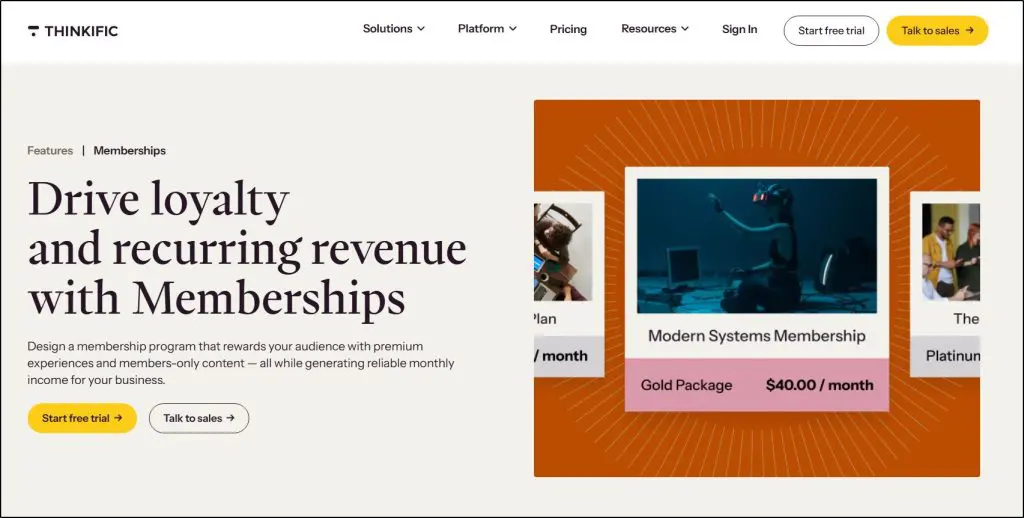
- Why I like it: A true teaching-first membership site platform—great when your membership is built around structured courses and learning paths.
- Starting Price: Basic $36/mo ($49 monthly)
- Start your 30-day free Thinkific trial
- Read our full Thinkific Review
Thinkific is my favorite online course platform. But it also has excellent membership site features.
Thinkific lets you package courses, downloads, and live lessons into tiered memberships with drip content, member-only pages, and flexible billing. Its built-in TCommerce handles subscriptions, coupons, order bumps, and automatic tax collection (US/CA) with simplified EU/UK VAT, so you can scale recurring revenue without extra plugins.
Thinkific offers clean course delivery, learning paths, and robust progress tracking that reduce churn in education-heavy memberships.
Plus, it comes with sophisticated email marketing and automation features to set up onboarding sequences and communication that keeps your members engaged.
Creators like Baking For Business, a membership program for bakers, have successfully built thriving communities using Thinkific’s flexible course and membership features.

Thinkific’s AI-powered content and design tools speed up page building and lesson creation (useful, but not “set-and-forget” marketing AI).
It also offers a community feature, but it’s an optional add-on, useful as a complement, not the core.
Overall, if you’re an online course seller looking for memberships as an additional feature, thinkific is the prefect solution for you.
- Best for: Educators and edupreneurs who want membership site software optimized for courses, cohorts, and predictable recurring revenue.
- Not ideal for: Memberships that rely on deep funnels/CRM automation (Kajabi/Kartra are stronger) or heavy site theming beyond Thinkific’s templates.
| Pros | Cons |
| Course-first memberships with drip, bundles, and learning paths | Marketing automation is lighter than Kajabi/Kartra |
| TCommerce: subscriptions, order bumps, taxes handled | Site customization less flexible than full CMS/WordPress |
| B2B-ready: Group Orders, Invoicing, Gifting; Plus adds SCORM/SSO | Community features are add-ons, not community-centric |

7. Zenler (All-in-One Membership Platform for Budget Scaling)

- Why I like it: Zenler packs course creation, memberships, live webinars, email marketing, and funnels into one dashboard at a fraction of Kajabi’s price—great if you want everything in one place without stacking plugins.
- Starting Price: Pro $97/mo (billed annually, 25K leads & 100 funnels). No transaction fees.
- Try Zenler Free
- Read our full Zenler Review
Zenler isn’t as polished or robust as Kajabi. But it’s an all-in-one membership platform worth considering if you’re on a budget.
Zenler lets you build tiered memberships with unlimited courses, video/audio/PDF lessons, and drip schedules. Its built-in live classes and webinars mean you can run coaching calls or member-only workshops without Zoom add-ons.
You can also bundle courses or create secret “members-only” products with flexible subscription or installment plans.
For revenue growth, Zenler bakes in 100+ marketing funnels, advanced email automation, upsells, order bumps, and affiliate management, features that normally require separate tools.
Zenler AI helps create lesson outlines, emails, and page copy (solid for drafts and campaign ideas, but still needs a human pass). Reporting covers sales, course progress, and funnel conversions.
Unlike Thinkific, which centers on course structure, or Kajabi, which leans on polished branding, Zenler focuses on sales and marketing scale: multiple sites (3 on Pro, 10 on Premium), high email limits (up to 500K/month), and priority support for bigger teams.
- Best for: Edupreneurs who want an all-in-one membership site platform with built-in live events and aggressive marketing tools at a lower cost than Kajabi.
- Not ideal for: Creators needing ultra-slick site design or the simplest, most hands-off setup.
| Pros | Cons |
| Unlimited courses, students, and tiered memberships with drip/expire | Interface and site design less refined than Kajabi |
| Built-in live classes, webinars, and high email/funnel limits | Advanced automation menus can feel complex |
| Strong marketing stack: funnels, email, order bumps, affiliates | Very limited site builder features. |

8. Teachable (Best Simple, Course-First Membership Builder)

- Why I like it: Teachable keeps memberships straightforward and ties them directly to courses, coaching, and digital downloads.
- Price: Starter $29/mo (7.5% fee, 1 product), includes memberships and a 7-day free trial.
- Try Teachable Memberships Free
- Read our full Teachable Review
If you want to build a courses-first membership program but do not require Thinkific’s advanced tools or email marketing features, Teachable is simpler option worth using.
Teachable lets you package unlimited courses, coaching sessions, and digital downloads into membership tiers with monthly or annual pricing, free trials, and easy upgrade/downgrade options. From the member dashboard, students can self-manage their subscriptions, reducing support requests.
For engagement, Teachable offers drip content, quizzes, certificates, and student referrals to keep members active and coming back.
It also includes built-in upsells, order bumps, and abandoned cart emails to help lift revenue. Teachable’s AI assistant drafts course outlines, landing pages, and email copy, handy for speeding up launches, though final polishing still needs your voice.
A notable success story is UI.dev, a multi-million dollar membership program hosted on Teachable, showcasing the platform’s capabilities for scaling a membership business.

Payments and taxes are handled inside Teachable:pay, with daily payouts, global VAT/GST, and integrated affiliate tracking. You can white-label your site, use a custom domain, and add CSS on higher plans for deeper branding.
Compared to Kajabi or Zenler, Teachable focuses more on education-first memberships than broad marketing automation or community networking. That makes it excellent for teachers, coaches, and subject-matter experts who want recurring income anchored in structured learning.
- Best for: Educators and coaches who want a clean, course-driven membership model and don’t need advanced CRM or complex funnels.
- Not ideal for: Creators seeking deep community interaction or enterprise-style marketing automation.
| Pros | Cons |
| Built-in memberships with free trials and tiered pricing | Community features are basic |
| Strong learning tools: drip, quizzes, certificates | Advanced marketing/automation limited vs. Kajabi |
| Teachable:pay handles taxes, payouts, affiliates | Lower plans carry transaction fees (up to 7.5%) |
| AI helps draft course and sales content quickly | Design flexibility limited without custom CSS |

9. Podia (Best Low-Stress Membership Platform for Solo Creators)
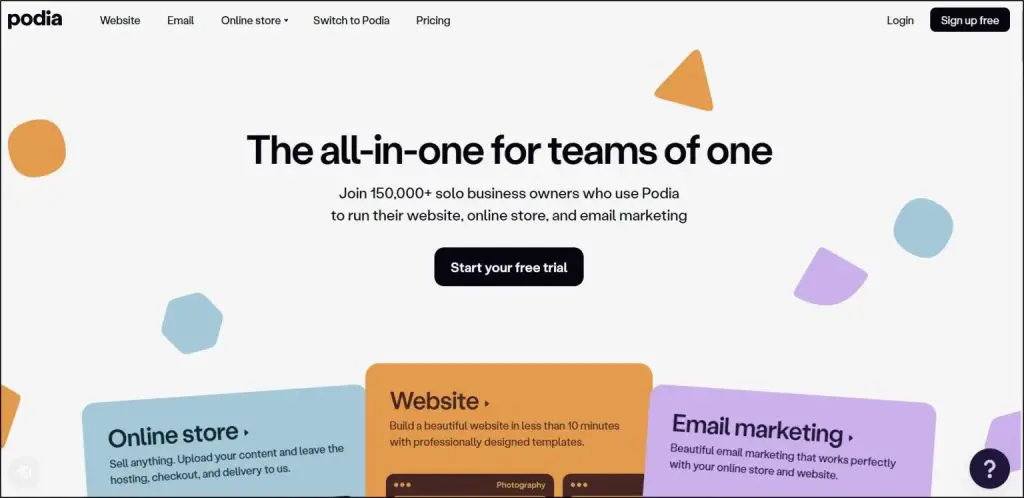
- Why I like it: Podia is perfect if you want a single dashboard for website, memberships, email marketing, and digital sales without plugins or tech headaches. Its learning curve is minimal, yet it supports unlimited members and product types from day one.
- Starting Price: Mover $39/mo (5% fee) or $33/mo yearly
- Try Podia Free
- Read our full Podia Review
If you want a simple membership program with email marketing features, Podia is an excellent platform to do that.
Podia lets you sell memberships, online courses, coaching, webinars, and digital downloads in any mix, with unlimited membership levels and flexible access rules.
You can bundle perks like courses plus weekly group coaching or create tiered memberships with different prices and content libraries.
Its built-in email marketing replaces tools like ConvertKit. You can send newsletters, automate sequences, tag and segment subscribers, and track performance right inside Podia. If you want to grow through referrals, the Shaker plan unlocks affiliate marketing and PayPal payments.
For retention, you can drip content, create product bundles, offer coupons, and set payment plans or upsells. Podia also includes community spaces with posts, comments, and likes, so you can add member-only discussions when helpful, though it isn’t a full social network.
Podia recently retired its free plan, sparking debate in creator communities, but its paid plans remain simple and transparent, no hidden fees beyond Stripe/PayPal processing.
- Best for: Solo edupreneurs and small teams who value simplicity and want to launch a membership with courses, coaching, and email marketing under one roof.
- Not ideal for: Businesses that need deep marketing automation, complex analytics, or heavy custom design.
| Pros | Cons |
| Unlimited members, products, and membership tiers on all plans | No advanced funnel builder or CRM |
| Built-in email marketing with automation and segmentation | Community tools are light compared to Mighty Networks |
| Affiliate marketing (Shaker) to boost growth | 5% transaction fee on Mover plan |
| Simple, clean interface that scales without extra plugins | Less flexible for highly customized design or enterprise needs |

What Is a Membership Site Platform
A membership site platform is software that powers the paid “members-only” side of your business.
It handles all the behind-the-scenes work, protecting your content, charging recurring payments, managing logins, and tracking member activity, so you can focus on teaching and creating.
Without the right membership tools, you’d have to manually gate every page, chase payments, create user accounts, and remember who has access to what.
That’s almost impossible to scale and a nightmare for refunds or renewals.
The top membership software automates everything.
It locks or drips content based on a member’s plan, bills subscribers monthly or yearly, sends automated reminders, and shows you metrics like churn and lifetime value.
It also gives members a smooth, professional experience with instant access and self-service billing.
Most top tier membership portal solutions also come with drag and drop landing page builders and other marketing features to help you recruit members faster.
In short, a membership site platform turns your knowledge into a reliable subscription business, something no single plugin or spreadsheet can do on its own.
Types of Membership Builder Platforms
Membership site platforms aren’t all built the same way. They serve different kinds of businesses—from solo course creators to large video libraries—so the right fit depends on your model.
Before you pick a tool, it’s worth knowing what these main types offer and where each one shines. Choosing well here saves you from costly migrations later.
1. Fully Hosted Cloud Membership Platforms
These are complete, ready-to-go solutions where everything including your website, content hosting, billing, and security lives on the provider’s servers.
You don’t deal with hosting, updates, or plugins.
A good hosted platform (like Kajabi, Thinkific, Mighty Networks, or Podia) gives you:
- Site and content builder: Drag-and-drop tools to create pages, courses, or member dashboards without coding.
- Built-in payments: Secure checkout, recurring billing, and automated tax handling.
- Member management: One place to track sign-ups, renewals, and cancellations.
- Marketing & automation: Email sequences, sales funnels, and analytics to grow and retain members.
Because all features are under one login and maintained by the provider, you save the time and cost of setting up servers or stitching plugins together.
This type is ideal if you want to launch a professional membership quickly and focus on content and growth rather than tech upkeep.
2. WordPress Membership Plugins and Add-Ons
This type uses plugins like MemberPress or MemberSpace to turn an existing WordPress site into a full membership portal. Instead of moving to a hosted service, you add membership tools to the site you already own.
Here’s what it offers:
- Full control: You decide the hosting, design, and SEO strategy, and can customize every page or feature.
- Flexible integrations: Works with thousands of WordPress themes, page builders, and third-party plugins for forums, e-commerce, or marketing.
- Advanced paywalls: Set detailed rules for who sees what, drip or expire content, and manage complex tiers or coupons.
The trade-off is maintenance. You’re responsible for hosting, plugin updates, backups, and security.
This type is best for creators and businesses already committed to WordPress who want maximum design freedom and the ability to build highly customized membership experiences.
3. Video Membership Platforms
These platforms are built specifically for creators whose memberships revolve around video content—think premium training libraries, paid livestreams, or on-demand workshops.
Tools like Uscreen or Vimeo OTT give you:
- HD video hosting & delivery: Stream videos reliably worldwide without worrying about storage limits or buffering.
- Built-in paywalls & subscriptions: Protect videos behind secure logins and charge recurring fees or one-time rentals.
- Branded OTT apps: Offer your own mobile or TV app so members can watch on iOS, Android, Roku, or Apple TV.
- Live streaming & chat: Run live sessions, Q&As, or events while interacting in real time.
Because everything from hosting to playback is optimized for video, these platforms save you from bandwidth issues and complex integrations, making them ideal for creators running video-first memberships or media businesses.
4. Low-Cost Starter or Freemium Membership Platforms
Free full-featured membership software is almost gone. Teachable and Podia, for example, no longer offer free plans.
What you’ll find instead are low-cost starter plans or limited freemium tiers from tools like Podia’s Mover plan or entry-level options on other platforms.
They let you:
- Validate an idea with minimal risk by paying only a small monthly fee or starting free with tight limits.
- Sell basic memberships with simple paywalls, content access, and email updates.
The trade-offs: these plans often include transaction fees, product caps, or limited automation and design controls.
They’re excellent for testing a concept or starting on a very small budget, but serious growth, like scaling content libraries or advanced marketing, almost always requires upgrading to a paid plan with full features.
How to Choose the Best Membership Site Building Software
All the top-tier membership site builders can be great choices. But the best choice depends on the kind of membership you want to build, which features you need, and what your budget allows.
Here are key points to consider when selecting a platform for your membership site:
1. Your Membership & Business Goals
Are you aiming for a simple content paywall, a full online academy with multi-course learning paths, or a coaching program with live group calls?
Think about your revenue model, recurring subscriptions, one-time payments, or upsells, and how you might expand later with corporate packages, certifications, or premium events.
Your long-term vision decides everything else: the level of automation you need, how flexible billing must be, and whether you require features like quizzes, drip schedules, or built-in communities.
2. Membership Platform Type
Pick a platform that fits where your business already lives. If you already run a popular WordPress site and want to add memberships without moving your content, a plugin like MemberPress or MemberSpace is the natural choice.
But if you’re launching a new standalone product and want everything from hosting to billing, handled for you, a fully hosted cloud platform like Thinkific or Kajabi is usually the better fit.
Matching the platform type to your current tech stack saves time, avoids migration headaches, and keeps your audience experience seamless.
3. Membership Marketing Features
Check whether the platform includes automated email sequences for onboarding, re-engagement, and renewals.
Look for built-in sales funnels, upsells, and affiliate programs so you can attract and convert members without bolting on extra services like ConvertKit or ClickFunnels.
Many platforms now promote AI features. Dig deeper to see if they only draft copy or actually help automate campaigns and segment your audience.
Choosing a platform with strong, native marketing features will save money and keep your sales process smooth as you scale.
4. Membership Model: Simple, Course-Driven, or Community
Match the platform to how you’ll deliver value. If your membership is mostly courses or structured learning, you’ll need features like drip schedules, progress tracking, quizzes, and certificates, tools that Thinkific and Teachable excel at.
If you require advanced marketing features and funnels as well, Kajabi and Podia are great options.
If it’s community-centered, focus on real-time discussions, live events, and member-to-member interaction, where Mighty Networks or Circle shine.
For a simple paywall model, like premium articles, templates, or a paid newsletter, strong content protection, flexible billing, and easy upgrades matter more than full course or community tools.
Knowing your membership style upfront keeps you from overpaying for features you’ll never use.
5. Budget & Total Cost of Ownership
Look beyond the headline price. Add up monthly or annual subscription fees, payment processor or transaction fees, and any add-ons like premium themes, plugins, or third-party email tools.
If you’re on WordPress, include hosting, backups, and security.
Also weigh the hidden cost of your time because DIY design, updates, and troubleshooting can add up. A slightly higher all-in-one plan (like Kajabi or Thinkific) can be cheaper long term if it saves hours each month on integrations and upkeep.
Frequently Asked Questions (FAQs)
1. Can I move my membership site to another platform later?
Yes, but it isn’t one-click. You’ll need to export member data (emails, billing info) and re-import it to the new platform. Some tools like Thinkific Plus or Kajabi offer concierge migration, while WordPress plugins may require a developer.
2. How do I handle taxes and compliance for memberships?
Many top platforms—such as Kajabi, Thinkific (TCommerce), and Teachable:Pay—collect U.S. sales tax and EU/UK VAT automatically. With WordPress, you’ll need plugins like TaxJar or Stripe Tax.
3. Can I offer both one-time purchases and memberships together?
Yes. Most platforms support mixed models, letting you sell individual courses, digital downloads, or event tickets alongside subscriptions.
4. How do I prevent content piracy and password sharing?
Membership software protects content through login restrictions, streaming instead of file downloads, and watermarking PDFs or videos. Some also limit simultaneous logins per account.
5. What’s the best way to grow a membership after launch?
Start with an email list and offer free or low-cost trials. Add a referral or affiliate program, run webinars, and drip fresh content to keep renewals high.
6. Do I need a separate email marketing tool?
Not if you choose an all-in-one platform like Kajabi, Podia, or Kartra. If you’re on WordPress, you may need ConvertKit, MailerLite, or similar unless your plugin includes email automation.
7. How important is mobile optimization for memberships?
Critical. More than half of members access content on phones. Hosted platforms like Mighty Networks and Teachable include responsive design and native apps, while WordPress needs a mobile-friendly theme.
8. Can I create corporate or group memberships?
Yes, but not every platform supports it out of the box. Thinkific (Group Orders), MemberPress (Corporate Accounts), and Kajabi (bulk enrollments) are strong for team or B2B sales.
9. How much content do I need to launch a membership site?
Less than most people think. A single well-structured course, a month of weekly lessons, or an initial content library is enough if you plan to drip new material over time.
10. What’s the average time to build and launch a membership site?
On a fully hosted platform, you can launch in a week with ready-made templates and AI drafting tools. A custom WordPress build might take 4–6 weeks to design, secure, and integrate with payment processors.
How We Evaluate and Test Software & Platforms
Reviews of platforms on the Learning Revolution site are overseen by the site’s founder, Jeff Cobb, an e-learning industry expert with more than 20 years of experience working with online courses and related platforms. All evaluations are conducted by a team of analysts who have extensive experience using, testing, and writing about these types of platforms. We dedicate numerous hours to researching each platform, ensuring each aligns with the needs of our community and vetting specific areas like core features, usability, pricing, and customer satisfaction. Our reviews are unbiased, and while we will participate in affiliate programs, if available, we do not accept payment for placement in our articles or links to external websites.

Jeff Cobb, Founder of Learning Revolution
Jeff Cobb is an expert in online education and the business of adult lifelong learning. Over the past 20+ years he has built a thriving career based on that expertise – as an entrepreneur, a consultant, an author, and a speaker. Learning Revolution is a place where Jeff curates tips, insights, and resources to help you build a thriving expertise-based business. Learn more about Jeff Cobb here.


Thanks for this great, valuable article.
You can check Glue up glueup.com too, It has won G2 ‘easiest to use membership platform’ badge/award. Please consider including it in your list
Hello,
Thank You for sharing the wonderful information.
You can also check Membroz – Membership Management Software.
Pls visit our website for more details.
membroz.com/about-membership-management-software
Thank You.