

TL;DR: Best Podia Alternatives for Modern Creators (2026)
Podia is a simple, affordable all-in-one for courses, downloads, coaching, community, and email. Creators usually outgrow it when they need deeper courses, stronger marketing automation, more email subscribers, or a community-first platform with more control.
Thinkific: Best overall Podia alternative for growing course businesses.
Kajabi: Best upgrade for email, funnels, and automation.
Teachable: Best for simple courses with automatic sales tax handling.
LearnWorlds: Best for learning depth, assessments, and AI.
Circle: Best for a serious community-led business.
Skool: Best simple community for beginners.
Stan: Best link-in-bio store for selling digital products from social media.
New Zenler: Best value all-in-one with funnels, email, and live classes.
My take: Thinkific is the natural next step for most Podia users. Move to Kajabi when marketing drives your growth, or Circle when community is the product.
I’ve used Podia as a paid user since 2018, and I still recommend it to creators who want a bit of everything without paying a premium. It handles courses, digital downloads, coaching, community, and email marketing in one simple dashboard, and it takes care of sales tax for you.
Podia changed a lot in 2026. It dropped its free plan, moved every account to the new Podia, and rebuilt itself around community. Those changes suit some creators well, but they push others to look elsewhere, especially once they need deeper courses, more email subscribers, or marketing automation that Podia doesn’t offer.
In this guide, I compare the eight best Podia alternatives, explain exactly how each one differs from Podia, where Podia still wins, and which type of creator each one fits. My Podia review and Podia pricing breakdown cover the platform itself.
Why Creators Look for Podia Alternatives
Most creators leave Podia for one of a few reasons. Find yours below to see which alternative fixes it.
| Podia limitation | What it means for you | Alternatives that fix it |
|---|---|---|
| Email subscriber limits | Base prices include 100, 500, or 1,000 subscribers, so a growing list raises your bill | Kajabi, New Zenler, Thinkific |
| 5% transaction fee on Mover | You lose $50 of every $1,000 in sales on the entry plan | Thinkific, Stan, New Zenler |
| Simple courses and quizzes | Limited ways to engage and test learners | LearnWorlds, Thinkific |
| Basic marketing automation | No advanced sequences, tagging, or funnels | Kajabi, New Zenler |
| A community that’s simpler than dedicated tools | Fewer engagement and moderation features as you grow | Circle, Skool |
| Affiliates, PayPal, and Zapier only on Shaker and up | The entry plan leaves out common selling tools | Thinkific, Kajabi, Stan |
To see what the 5% Mover fee costs at your sales volume, run your numbers through my course revenue calculator, or browse the rest of my free creator tools.
Top Podia Alternatives Compared
Use this table to narrow your list to two or three platforms, then read the full breakdowns below.
| Platform | Best for | Biggest difference from Podia | Starting price |
|---|---|---|---|
| Thinkific | Growing course businesses | Deeper courses, no transaction fees, and unlimited courses | $40/mo billed annually (30-day free trial) |
| Kajabi | Marketing-led creators | Full email automation and funnels with higher contact limits | $143/mo billed annually (14-day free trial) |
| Teachable | Simple course sellers | Student apps on every plan and automatic tax handling | $29/mo billed annually plus 7.5% per sale (7-day free trial) |
| LearnWorlds | Learning depth | Interactive video, deep assessments, SCORM, and AI | $24/mo billed annually plus $5 per paid enrollment (30-day free trial, no credit card) |
| Circle | Community-led businesses | A dedicated community platform with AI and automations | $89/mo billed annually plus 2% per sale (14-day free trial) |
| Skool | Simple communities | One space with gamified engagement | $9/mo plus 10% + 30¢ per sale, or $99/mo for Pro (14-day free trial) |
| Stan | Social media creators | A link-in-bio store built for selling from Instagram and TikTok | $25/mo billed annually, with no Stan transaction fees (14-day free trial) |
| New Zenler | All-in-one value | Funnels, live classes, and high email limits with no fees | $47/mo billed annually (30-day free trial) |
The Best Podia Alternatives for Edupreneurs
Each breakdown below covers how the platform differs from Podia, where Podia still wins, the main features, and what it costs. I’ve also added a side-by-side table for each one, so you can see the exact trade-offs before you switch.
1. Thinkific: Best Overall Podia Alternative
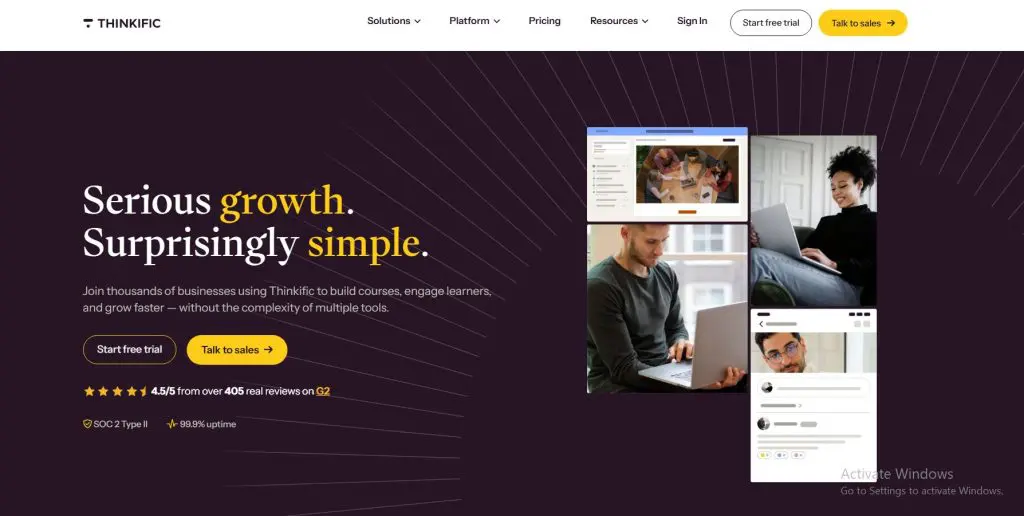
- How it’s different from Podia: Deeper course building, unlimited courses, and no transaction fees with Thinkific Payments, plus communities and email automation.
- Where Podia is better: Email newsletters, a blog, and sales tax handling built in at a lower starting price.
- Main features: Course builder, unlimited courses, certificates and assignments, memberships and bundles, communities, live lessons, email automation, landing pages, and group orders
- Starting price: $40/mo billed annually (30-day free trial)
Thinkific is the natural next step for most Podia users who sell courses. I run my own live courses on Thinkific, and it gives you a stronger course builder without adding much complexity.
Creators can publish unlimited courses on every plan, add certificates and assignments from the Start plan, and run live Zoom lessons inside your courses. Thinkific Communities connect directly to your lessons, and email automation covers lead capture and campaigns, with no per-subscriber pricing like Podia’s.
Podia still wins on simplicity for creators selling a mix of downloads, coaching, and small courses, and its built-in blog and tax handling are useful extras. Once courses become the core of your business, Thinkific gives you more room to grow. My Thinkific review and Podia vs Thinkific comparison go deeper.
Thinkific vs Podia:
| Thinkific | Podia | |
|---|---|---|
| Course depth | Certificates, assignments, live lessons | Simple courses and quizzes |
| Transaction fees | None with Thinkific Payments | 5% on Mover |
| Email marketing | Email automation, no subscriber pricing | Built in, priced by subscribers |
| Community | Communities linked to lessons | Spaces on every plan |
| Blog | No | Yes |
| Sales tax handling | Not automatic | Yes, in 230 countries |
Thinkific pricing plans:
| Plan | Billed monthly | Billed annually (per month) |
|---|---|---|
| Basic | $54 | $40 |
| Start | $109 | $82 |
| Grow | $219 | $164 |
| Plus | Custom | Custom |
2. Kajabi: Best Upgrade for Marketing and Email

- How it’s different from Podia: Full email marketing, automations, funnels, and a website with much higher contact limits, built for creators who grow through marketing.
- Where Podia is better: Price, with a much lower entry cost and simpler tools.
- Main features: Email marketing and automations, sales funnels, website builder, courses, coaching, communities, affiliate program, and a branded mobile app on Pro
- Starting price: $143/mo billed annually (14-day free trial)
Kajabi is the upgrade for Podia users whose business runs on email and launches. Podia’s email tools cover newsletters and broadcasts, while Kajabi adds automated sequences, tagging based on what people do, and full funnel templates.
Contact limits are also far higher. Kajabi’s Basic plan includes 2,500 contacts and Growth includes 25,000, where Podia’s base prices cover 100 to 1,000 email subscribers. For creators with a growing list, that difference changes the math quickly.
The trade-off is price. Kajabi costs far more at every level, and its product limits push growing businesses to higher plans. If your list is small and your marketing simple, Podia does the job for less. See my Kajabi review and Podia vs Kajabi comparison for the full picture.
Kajabi vs Podia:
| Kajabi | Podia | |
|---|---|---|
| Email automation | Full sequences, tagging, and automations | Newsletters and basic automations |
| Contacts at base price | 2,500 on Basic, 25,000 on Growth | 100 to 1,000 subscribers |
| Funnels | Full funnel builder | Simple sales pages |
| Branded mobile app | Included on Pro | No |
| Starting price (annual) | $143/mo | $42/mo |
| Best for | Established, marketing-led creators | Budget-conscious creators |
Kajabi pricing plans:
| Plan | Billed monthly | Billed annually (per month) |
|---|---|---|
| Basic | $179 | $143 |
| Growth | $249 | $199 |
| Pro | $499 | $399 |
3. Teachable: Best for Simple Courses With Tax Handling
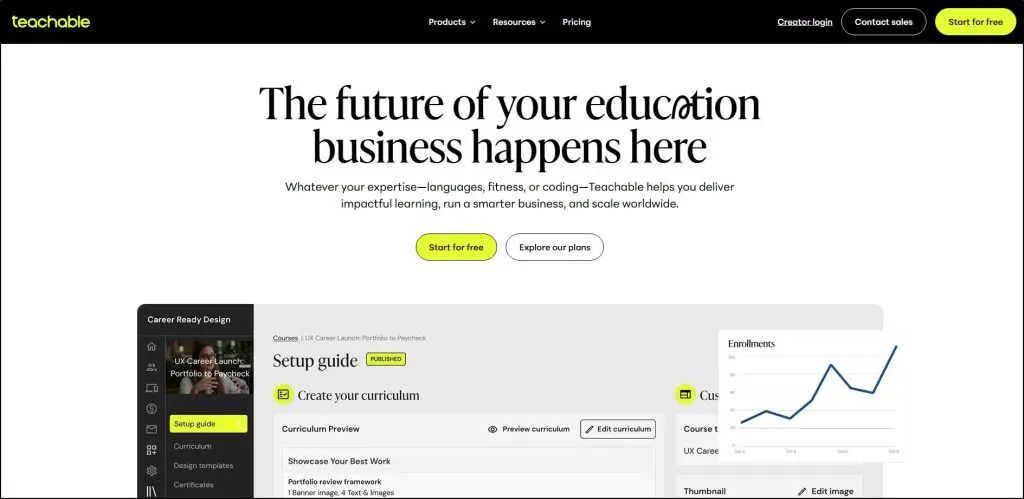
- How it’s different from Podia: A focused course platform with student apps on every plan and automatic sales tax and VAT through teachable:pay.
- Where Podia is better: Community spaces, a blog, built-in email on every plan, and fewer product caps.
- Main features: Course and coaching builder, digital downloads, AI Hub for outlines, quizzes, and subtitles, teachable:pay, and iOS and Android student apps
- Starting price: $29/mo billed annually plus 7.5% per sale (7-day free trial)
Teachable fits Podia users who mainly sell courses and want a cleaner, more course-focused platform. Its builder is simple, its iOS and Android student apps come with every plan, and teachable:pay handles sales tax, VAT, and affiliate tax forms automatically.
Teachable’s AI Hub also helps with outlines, lesson drafts, quizzes from your material, and subtitles in more than 70 languages. For creators selling to an international audience, the tax handling and translations save real time.
Podia beats Teachable in a few areas, though. Teachable has closed its community feature to new schools, certificates only come on Growth, and email marketing starts on Builder. My Teachable review and Podia vs Teachable comparison cover the details.
Teachable vs Podia:
| Teachable | Podia | |
|---|---|---|
| Student app | iOS and Android on every plan | No |
| Community | Closed to new schools | Spaces on every plan |
| Email marketing | Builder plan and up | Every plan |
| Certificates | Growth plan and up | Built in, with custom branding |
| Product limits | 5 to 50 products | 50 to unlimited products |
| Transaction fees | On Starter only | On Mover only |
Teachable pricing plans:
| Plan | Billed monthly | Billed annually (per month) | Transaction fee | Key limits |
|---|---|---|---|---|
| Starter | $39 | $29 | 7.5% | 5 products |
| Builder | $89 | $69 | 0% | 10 products |
| Growth | $189 | $139 | 0% | 50 products |
| Custom | Custom | Custom | 0% | Unlimited products |
4. LearnWorlds: Best for Learning Depth

- How it’s different from Podia: Much deeper learning tools, with interactive video, advanced assessments, SCORM, verifiable certificates, and AI across the whole platform.
- Where Podia is better: Simplicity, built-in email marketing, and a lower learning curve.
- Main features: Interactive video, AI course and practice tools, exams and assignments, certificates, SCORM, website and funnels, community, and client groups for B2B training
- Starting price: $24/mo billed annually plus $5 per paid enrollment (30-day free trial, no credit card)
LearnWorlds is the Podia alternative for creators whose courses need real learning design. I’ve used it for courses under Leading Learning and Tagoras for years, and its interactive video, assessments, and certificates go far beyond what Podia offers.
Its AI layer is also more advanced, with AI that builds practice activities like branching scenarios and gives learners feedback on their answers inside the lesson. LearnWorlds also supports SCORM and client groups for selling training to companies.
The trade-off is complexity and email. LearnWorlds takes longer to learn, its Starter plan adds $5 per paid enrollment, and its mass emails don’t replace a real email tool, while Podia’s email works out of the box. My LearnWorlds review covers it in detail.
LearnWorlds vs Podia:
| LearnWorlds | Podia | |
|---|---|---|
| Interactive video | Yes, with AI transcripts | No |
| Assessments | Exams, assignments, AI feedback | Simple quizzes |
| SCORM | Yes | No |
| Email marketing | Mass emails only | Built in |
| AI | AI in every builder and inside lessons | No AI course tools |
| Ease of use | Steeper learning curve | Simple |
LearnWorlds pricing plans:
| Plan | Billed monthly | Billed annually (per month) | Transaction fee | Key limits |
|---|---|---|---|---|
| Starter | $29 | $24 | $5 per paid enrollment | 1,000 active learners/mo, 1 admin, 300 AI credits/mo |
| Pro Trainer | $99 | $79 | None | 2,000 active learners/mo, 5 admins, 500 AI credits/mo |
| Learning Center | $299 | $249 | None | 2,000 active learners/mo, 25 admins, 1,000 AI credits/mo, 10 client groups |
| Corporate | Custom | Custom | None | Custom learners, admins, client groups and AI credits |
5. Circle: Best for a Community-Led Business
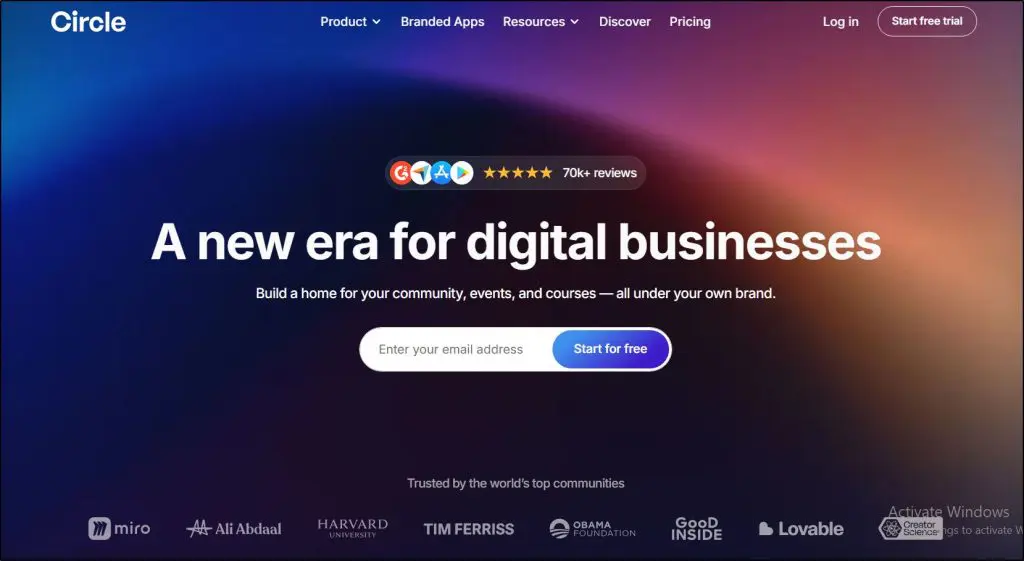
- How it’s different from Podia: A dedicated community platform with advanced spaces, events, member directories, AI agents, and automations.
- Where Podia is better: Digital downloads, email marketing, a website, and lower fees.
- Main features: Community spaces, courses, live streams and live rooms, events, member directory, paywalls, workflow automations, AI agents, and branded apps on Plus
- Starting price: $89/mo billed annually plus 2% per sale (14-day free trial)
Circle is the step up for Podia users whose real product is the community. Podia moved to a community-first model in 2026, but Circle goes much further, with threaded discussions, member directories, live rooms, events, and automations that run the community for you.
Its Scale plan adds AI agents that help with moderation and member support, and every plan includes courses for cohort programs and membership content. Members join for the conversation and each other, and Circle’s tools keep that going.
The trade-off is everything outside the community. Circle has no digital downloads store, no real email marketing, and no website builder, and every plan adds a transaction fee. It also needs an existing audience to feel alive. Plan to pair it with one of the email marketing platforms I recommend. My Circle review covers it in detail.
Circle vs Podia:
| Circle | Podia | |
|---|---|---|
| Community features | Advanced spaces, directory, live rooms | Simple spaces |
| Automations | Workflows on Business and up | Basic |
| Digital downloads | No | Yes |
| Email marketing | Notifications only | Built in |
| Transaction fees | On every plan | On Mover only |
| Website | No | Yes, with a blog |
Circle pricing plans:
| Plan | Billed annually (per month) | Transaction fee |
|---|---|---|
| Professional | $89 | 2% |
| Business | $199 | 1% |
| Scale | $419 | 1% |
| Circle Plus | Custom | 0.5% |
6. Skool: Best Simple Community for Beginners
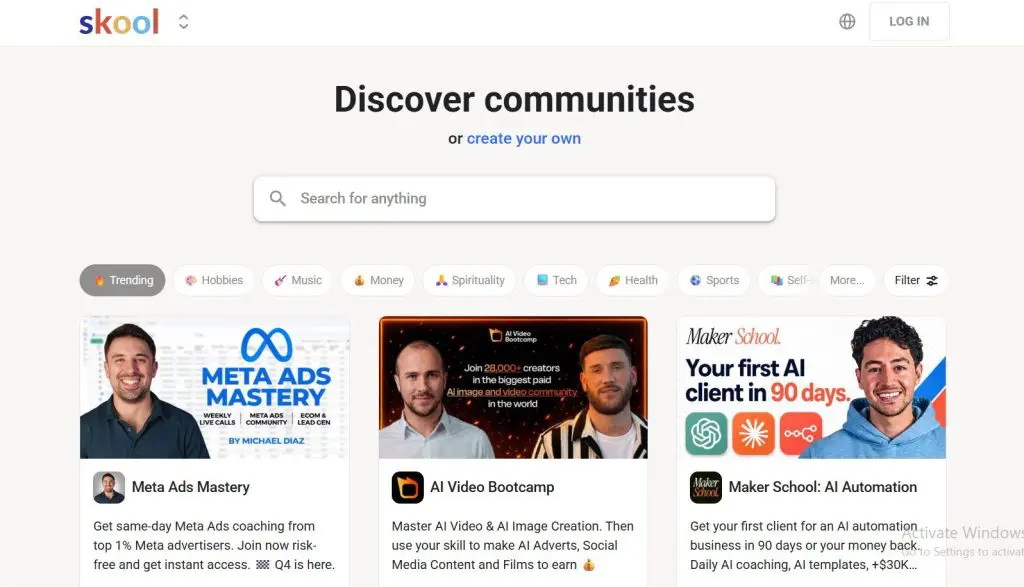
- How it’s different from Podia: One simple space with a feed, classroom, calendar, and leaderboards, set up in minutes.
- Where Podia is better: Branding, a website, digital products, email marketing, and selling more than one product.
- Main features: Community feed, classroom for courses, events calendar, gamified leaderboards and levels, and a discovery directory
- Starting price: $9/mo plus 10% + 30¢ per sale, or $99/mo for Pro (14-day free trial)
Skool is the easiest way to run a paid community with a course inside it. Each group comes with a feed, a classroom, a calendar, and a points system that rewards members for taking part, and the gamification keeps members engaged.
For beginners focused on community, Skool is simpler than Podia. The platform has no design choices to make, members already know how it works, and the discovery directory can bring in new members.
The trade-off is everything else Podia does. Skool has no store for downloads, no email marketing, no website, and only one product per group, and the community lives on Skool’s domain. My Skool review and Skool vs Circle comparison cover the details.
Skool vs Podia:
| Skool | Podia | |
|---|---|---|
| Setup time | Minutes | About an hour |
| Engagement | Gamified leaderboards and levels | Comments and community spaces |
| Products | One community per group | Courses, downloads, coaching, and more |
| Email marketing | No | Built in |
| Branding | Skool’s domain and design | Your own site and domain |
| Transaction fees | On every plan | On Mover only |
Skool pricing plans:
| Plan | Billed monthly | Billed annually (per month) | Transaction fee |
|---|---|---|---|
| Hobby | $9 | $7.50 | 10% + 30¢ |
| Pro | $99 | $82 | 2.9% + 30¢ |
7. Stan: Best Link-in-Bio Store for Creators
- How it’s different from Podia: A mobile-first store that lives in your social media bio, built for selling downloads, courses, and bookings to followers.
- Where Podia is better: A fuller community, a full website with a blog, and more course depth.
- Main features: Link-in-bio storefront, digital products, courses, coaching bookings, and on Creator Pro, upsells, order bumps, discount codes, payment plans, and email flows
- Starting price: $25/mo billed annually, with no Stan transaction fees (14-day free trial)
Stan fits creators who sell to their Instagram, TikTok, or YouTube audience. The store lives behind the link in your bio, and buyers can check out in a couple of taps without leaving their phone.
Stan charges no transaction fees of its own, and you can sell digital downloads, courses, and coaching sessions from day one. Creator Pro adds upsells, order bumps, payment plans, and email flows, which help social sellers raise the value of each sale.
The trade-off is depth. Stan offers basic community features, a simple course player, and no full website or blog, so it works best as a storefront for a social audience instead of a full course business. My guide to selling digital downloads compares more options.
Stan vs Podia:
| Stan | Podia | |
|---|---|---|
| Storefront | Link-in-bio, mobile-first | Full website and blog |
| Transaction fees | None from Stan | On Mover only |
| Community | Basic community features | Spaces on every plan |
| Courses | Simple | Simple, with quizzes |
| Email flows on Creator Pro | Built in on every plan | |
| Best for | Selling to social followers | A full creator business |
Stan pricing plans:
| Plan | Billed monthly | Billed annually (per month) | Key limits |
|---|---|---|---|
| Creator | $29 | $25 | Link-in-bio store, digital products, courses, bookings |
| Creator Pro | $99 | $79 | Adds upsells, order bumps, email flows, pixel tracking |
8. New Zenler: Best All-in-One Value
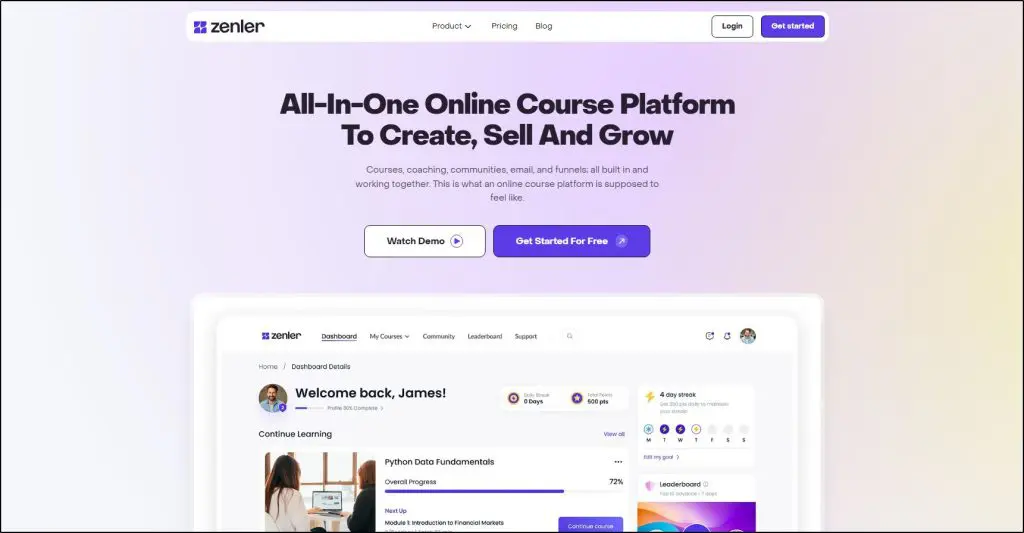
- How it’s different from Podia: Funnels, email marketing with high sending limits, live classes, community, and gamification in one platform, with no transaction fees.
- Where Podia is better: Polish and simplicity, with a cleaner dashboard and fewer settings.
- Main features: Course builder, email marketing, marketing funnels, live classes and webinars, community with chat, gamification, AI course creation, AI agents, and concierge migration
- Starting price: $47/mo billed annually (30-day free trial)
New Zenler, now called Zenler, is the value pick for Podia users who want more marketing power without Kajabi’s price. It combines courses, email, funnels, live classes, and community, and it charges no transaction fees on any plan.
Email limits are a big draw. The Pro plan includes unlimited contacts and up to 100,000 emails a month, where Podia prices email by subscriber count. Pro also adds gamification, AI agents that re-engage learners, certificates, and white labeling, and every plan includes concierge migration.
The trade-off is polish. Zenler packs in a lot, so the interface feels busier than Podia’s, and its Starter plan limits courses, videos, and contacts, so most creators will need Pro. My New Zenler review covers the details.
New Zenler vs Podia:
| New Zenler | Podia | |
|---|---|---|
| Email limits | Unlimited contacts and 100,000 emails a month on Pro | Priced by subscriber count |
| Funnels | Full funnel builder | Simple sales pages |
| Live classes | Built in | Webinars through integrations |
| Gamification | Pro plan and up | No |
| Transaction fees | None | On Mover only |
| Ease of use | Busier interface | Simple |
New Zenler pricing plans:
| Plan | Billed monthly | Billed annually (per month) |
|---|---|---|
| Starter | $57 | $47 |
| Pro | $117 | $97 |
| Premium | $347 | $277 |
Which Podia Alternative Is Best for You?
The best Podia alternative depends on what you’ve outgrown. Find your reason below and start with that platform’s free trial.
| If you want | Choose | Why |
|---|---|---|
| Deeper courses with no transaction fees | Thinkific | The natural next step for course-focused creators |
| Advanced email and funnels | Kajabi | Full marketing automation with high contact limits |
| A simple course platform with tax handling | Teachable | Student apps and teachable:pay on every plan |
| Learning depth, assessments, and AI | LearnWorlds | Interactive video, certificates, SCORM, and AI practice |
| A community-led business | Circle | The most advanced community features |
| A simple paid community | Skool | Minutes to set up, with gamified engagement |
| To sell from social media | Stan | A link-in-bio store with no Stan fees |
| More marketing for less money | New Zenler | Funnels, email, and live classes with no fees |
For most Podia users, I recommend Thinkific. It keeps things simple while giving you stronger courses, unlimited products, and no subscriber-based email pricing. Choose Kajabi when your email list drives your revenue, and Circle when the community is what people pay for.
See my list of the best online course platforms for the wider market, or my guides to online community platforms and membership site platforms if community or memberships come first.
Frequently Asked Questions (FAQs)
Here are answers to the questions creators ask me most often when they compare Podia with other platforms.
What is the best alternative to Podia?
Thinkific is the best alternative to Podia for most course creators. It offers a stronger course builder, unlimited courses, no transaction fees with Thinkific Payments, and email automation without per-subscriber pricing. Choose Kajabi for advanced marketing, or Circle for a community-led business.
Does Podia still have a free plan?
No. Podia discontinued its free plan and moved all accounts to the new Podia in August 2026. Its cheapest plan is now Mover, which adds a 5% transaction fee. Creators who want a free starting point can look at Payhip or Gumroad, which charge per sale instead of a monthly fee.
Is Kajabi better than Podia?
Kajabi is better for marketing, with full email automation, funnels, and contact limits of 2,500 to 100,000 depending on the plan. Podia is better for budget-conscious creators who want courses, downloads, community, and basic email in one simple tool. Pick Kajabi once your email list drives most of your sales.
Can I move my products from Podia to another platform?
Yes. Export your customer and subscriber lists from Podia, keep your original video files and downloads, and rebuild your products on the new platform. Kajabi, Thinkific, and New Zenler all offer migration help, and New Zenler includes concierge migration on every plan.
Which Podia alternative is best for digital downloads?
Stan is the best Podia alternative for selling digital downloads to a social media audience, with a link-in-bio store and no Stan transaction fees. Payhip and Gumroad also work well for downloads, and Thinkific and Kajabi handle downloads alongside courses for creators who sell both.
Which Podia alternative has the best community features?
Circle has the best community features among Podia alternatives, with advanced spaces, member directories, live rooms, events, automations, and AI agents on its Scale plan. Skool is the simpler choice for beginners, and Thinkific and LearnWorlds both include community tools alongside courses.

Jeff Cobb, Founder of Learning Revolution
Jeff Cobb is an expert in online education and the business of adult lifelong learning. Over the past 20+ years he has built a thriving career based on that expertise – as an entrepreneur, a consultant, an author, and a speaker. Learning Revolution is a place where Jeff curates tips, insights, and resources to help you build a thriving expertise-based business. Learn more about Jeff Cobb here.
Table of Contents
Related Posts
8 Best Circle Alternatives for Selling Courses & Community
8 Best LearnWorlds Alternatives For Courses & Memberships
Is Podia’s Blog Feature Good for SEO? An Honest Review